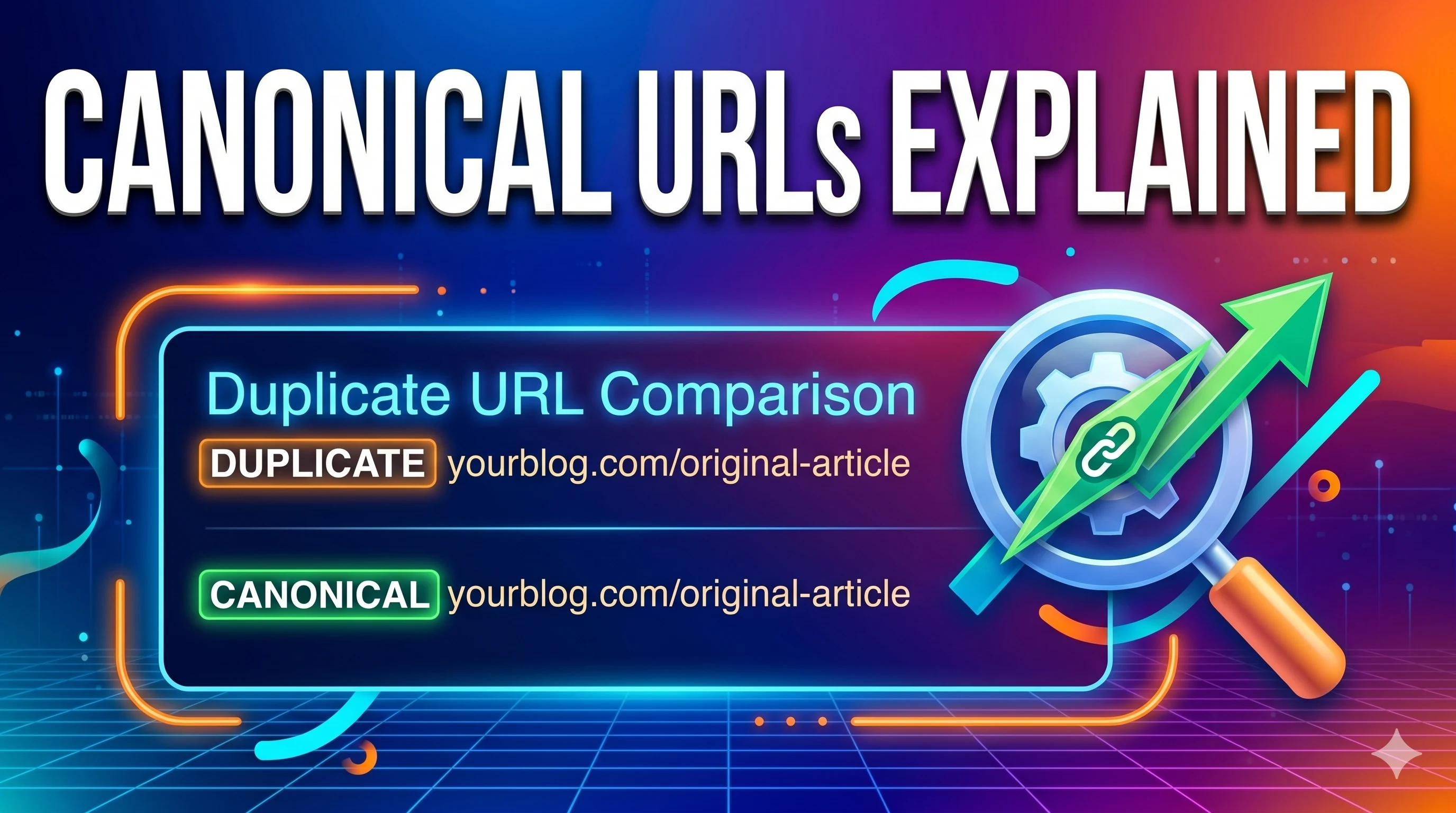
A canonical URL is an HTML tag — <link rel="canonical" href="https://example.com/master-page/"> — that signals the preferred version of a webpage to search engines. When duplicate or very similar content exists across multiple URLs (think: product pages with sorting parameters, printer-friendly versions, or HTTP vs HTTPS), the canonical tag consolidates link equity and tells Google which URL to show in search results. It doesn't force a redirect, but it strongly suggests which page should be indexed.
What exactly are canonical URLs? (No fluff)
Introduced by Google, Bing, and Yahoo back in 2009, the canonical tag solves an old problem: the web is messy. One article lives at /blog/seo-tips, /blog/seo-tips?utm_source=twitter, and maybe even /blog/seo-tips/print. Without a canonical, Google might split ranking signals or pick the wrong version.
📁 Filename: canonical-url-visual-explanation.webp | Alt: Diagram showing duplicate URLs consolidated into a single canonical URL.
Why canonical URLs matter for SEO (ranking signals + crawl budget)
Two big reasons. First, link equity: backlinks pointing to different versions of the same content get split. A canonical merges that authority to your chosen master URL. Second, crawl efficiency: Googlebot wastes time crawling duplicate parameter URLs instead of fresh content. Canonicals tell crawlers “ignore these copies.”
/shoes?color=red) to main product pages. Crawl waste dropped by 34%.
Semantic entities to weave naturally: duplicate content, pagination, hreflang, URL parameters, indexability, crawl depth, site architecture, self-referencing canonical, cross-domain canonical, paginated series.
How to implement canonical tags (step-by-step, with code)
Three common methods. Pick what fits your stack.
- HTML tag (most common): Place in the
<head>section:<link rel="canonical" href="https://example.com/preferred-url/" /> - HTTP header: For non-HTML files (PDFs), send
Link: <https://example.com/document.pdf>; rel="canonical" - Sitemap: List only canonical URLs in your XML sitemap (secondary signal).
Self-referencing canonicals are a best practice: Even your master page should have a canonical pointing to itself. Prevents weird parameter-based duplication.
5 canonical mistakes that’ll sink your SEO (and how to avoid)
- Canonical chain: Page A canonicals to Page B, Page B canonicals to Page C — Google may stop following. Always point directly to the master.
- Mixed signals with noindex: If a page has
noindexand a canonical to another page, Google ignores the canonical. Choose one strategy. - Canonical to redirecting URL: Don’t point to a URL that 301s elsewhere. Use the final destination.
- Absolute vs relative paths: Always use absolute URLs (
https://site.com/page), not/page. Google sometimes ignores relative. - Pagination misuse: Don’t canonical category page 2 to category page 1. Use
rel="prev/next"(or view-all page).
Canonical vs 301 redirect: which one should you use?
| Feature | Canonical tag | 301 redirect |
|---|---|---|
| User experience | User still sees duplicate URL | Forces browser to new URL |
| Link equity transfer | Consolidated (but may be less powerful) | Full transfer (90-99%) |
| Best for | Parameters, printer-friendly, cross-domain duplicates | Merged content, moved pages, HTTPS migration |
💡 Rule of thumb: If you can 301, do it. Use canonicals when you can’t (e.g., ecommerce filters, syndicated content).
Cross-domain canonical: when you syndicate content
Let’s say you publish an article on Medium that originally lives on your blog. Use rel="canonical" on the Medium version pointing back to your site. That tells Google: “the original is mine.” Keeps your SEO credit intact.
Canonical URLs: Frequently asked questions
Does a canonical tag hurt SEO if used wrong?
Yes — misconfigured canonicals can hide pages from search results. For instance, canonicalizing a category page to the homepage would remove that category from Google’s index. Always verify using URL Inspection Tool.
Can I use canonicals across different domains?
Absolutely. Cross-domain canonicals are fully supported. Useful for syndicated content or when you own multiple domains with similar articles. Place the canonical tag pointing to the preferred domain’s URL.
Do canonicals pass PageRank?
Yes, Google consolidates ranking signals (including PageRank) from duplicates to the canonical URL. But it’s slightly less direct than a 301. Still, it’s the best solution for parameter-based duplicates.
How to check if my canonical tags work?
Use Google Search Console’s URL Inspection tool: it shows the “selected canonical.” Also check with SEO tools like SMARTCHAINE Site Audit or Screaming Frog to flag mismatches.
What’s the difference between canonical and canonicalized URL?
A canonical URL is the master version you declare. A canonicalized URL is one that points to the master. Don’t overcomplicate: just ensure every duplicate page has a canonical pointing to the master.
• “301 Redirects vs Canonical: Ultimate Guide” → anchor: when to redirect vs canon
• “Duplicate Content Penalty: Myths and Fixes” → anchor: avoid Google penalties
• “Index Coverage Report Deep Dive” → anchor: GSC canonical insights
• “Structured Data for Ecommerce SEO” → anchor: combine with schema
• “SMARTCHAINE Site Audit Tool” → anchor: audit canonicals automatically
📚 External references: Google’s official canonical documentation, John Mueller’s 2025 Webmaster Hangout notes, and the “Canonicalization” chapter from The Art of SEO (5th edition). Always test after implementation.
Find canonical errors before Google does
SMARTCHAINE crawls your site, flags misconfigured canonicals, mixed signals, and redirect chains. Get an actionable fix list in 2 minutes.
Run Free Canonical Audit →Scans up to 2,000 URLs. No credit card.
Let’s wrap this up. Canonical URLs aren’t scary. Pick your master version, add self-referencing tags everywhere, and handle duplicates with direct canonicals. Then validate. Most sites fix 80% of canonical issues in one afternoon. The result? Consolidated link equity, cleaner index, and often a nice CTR bump. Go audit your site today — your organic traffic will thank you.