📄 What is a sitemap.xml file? (And when you actually need one)
A sitemap.xml is an XML file that lists all important URLs of a website, along with metadata: last modified date, change frequency, and priority relative to other content. It guides search engines like Google, Bing, and even emerging AI crawlers (think ChatGPT, Perplexity) to discover and recrawl pages efficiently.
🔍 AI Overviews insight: When Google generates AI summaries, it prioritizes content it can reliably index. A well-structured sitemap tells Google’s Gemini: “Hey, these are my core knowledge pages.” Semantic signals in your sitemap (clean URL taxonomy) improve your chances to be referenced in SGE.
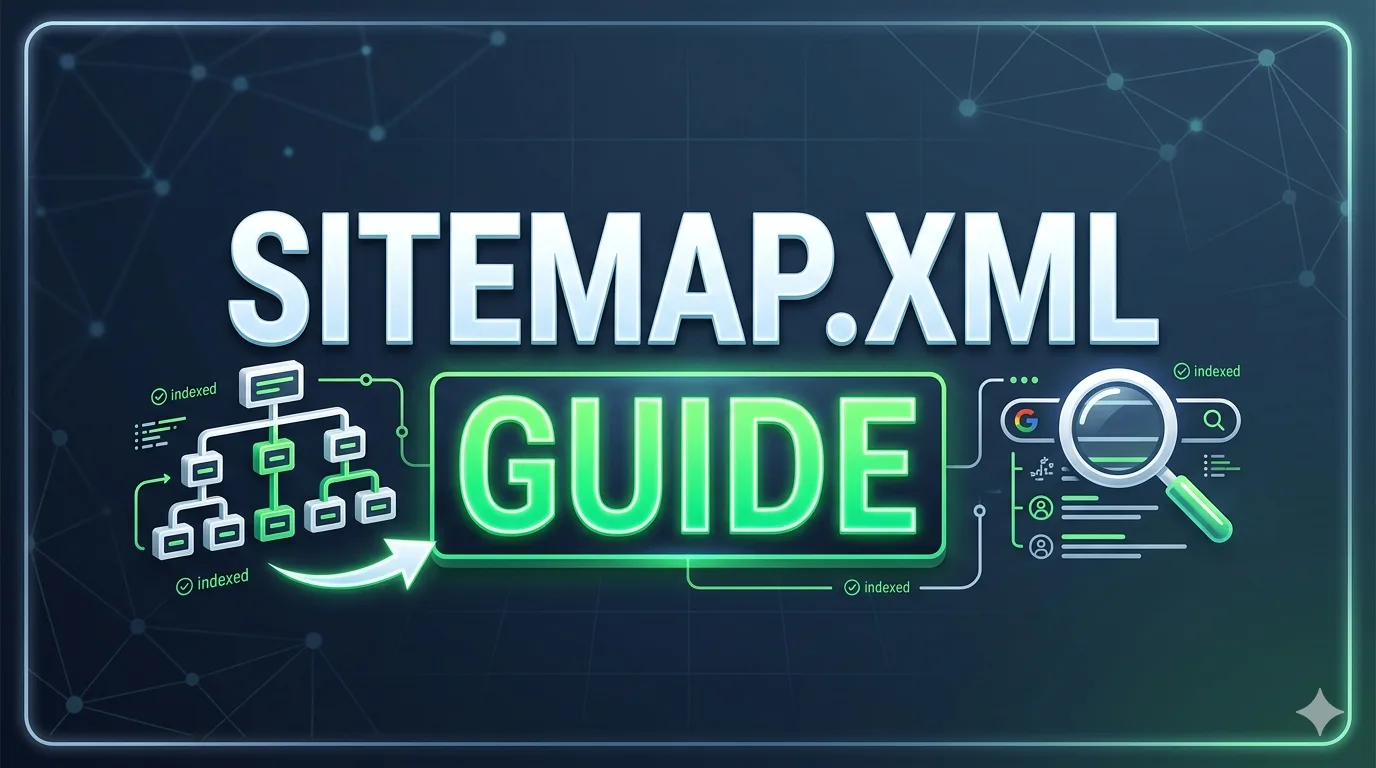
📁 Filename: sitemap-xml-bridge-seo.webp | Alt: Sitemap.xml connecting pages to search bots and AI crawlers
🎯 Why Sitemap.xml directly impacts SEO & AI Overview performance
Most SEOs treat sitemaps as a checkbox. But in 2026, your sitemap determines two things: crawl budget allocation (critical for large sites) and freshness signals. Google’s Gary Iliesh confirmed that sitemap lastmod dates influence recrawl frequency.
Plus, AI Overviews favor well-categorized content. A logical sitemap structure (grouping /guides/, /products/, /data/) helps Google’s LLM understand entity relationships, boosting your topical authority score.
Semantic edge: XML sitemap entities
- Priority hints: Use 0.8–1.0 for cornerstone content, 0.5 for blog posts, 0.2 for tags.
- Changefreq: 'daily' for news, 'weekly' for articles, 'monthly' for static pages — align with actual publishing cadence.
- Image & video sitemaps: Underutilized, yet visual content can appear in rich AI results.
🛠️ How to build a sitemap.xml that actually works (actionable steps)
Forget outdated plugins that vomit every URL. Here is an expert workflow that SMARTCHAINE’s audit team recommends:
- Audit your priority pages – Use analytics to identify top landing pages + conversion paths. Only include indexable URLs (no 4xx, no noindex).
- Segment by type – Create sitemap indexes: sitemap-posts.xml, sitemap-products.xml, sitemap-core.xml. Helps Googlebot specialize.
- Validate & compress – Use Gzip compression for large sitemaps (>50MB). Submit via Google Search Console and Bing Webmaster Tools.
- Dynamic lastmod – Ensure lastmod updates when content meaningfully changes. Avoid fake timestamps.
– No more than 50k URLs per sitemap file
– Use absolute URLs only
– Reference sitemap index in robots.txt
– Update after content pruning
📁 Filename: segmented-sitemap-dashboard.webp | Alt: Visual segmentation of sitemap.xml files for better SEO performance
🔥 Advanced best practices for AI crawlers & Googlebot
Being “sitemap-smart” means understanding that both classic spiders and LLM-based crawlers request your sitemap before heavy crawling. Here’s what separates advanced practitioners:
- Prioritize “hidden” high-value pages – Include paginated series that lack internal links, or deep API-driven content.
- Video sitemap extension: If you host product demos, adding video:content_location boosts AI Overview eligibility for video snippets.
- Hreflang sitemaps – For international sites, merging hreflang annotations inside sitemap reduces indexing confusion.
| Scenario | Recommended sitemap strategy |
|---|---|
| Large directory (10k+ pages) | Split by category index + dynamic priority 0.6–1.0 |
| News/blog high frequency | Separate sitemap-news.xml, use changefreq="hourly" |
| Single-page app (React/Vue) | Generate static sitemap with all rendered routes + use prerendering |
⚠️ 4 common sitemap.xml mistakes that kill your SEO (and how to avoid)
After years of consulting, these errors repeat across agencies and in-house teams. Avoid them like a broken redirect chain.
- Mistake #1: Including non-canonical URLs – Duplicates dilute authority. Always list canonical versions only.
- Mistake #2: Stale sitemap after site migration – 404-heavy sitemap confuses crawlers. Run weekly validation.
- Mistake #3: Ignoring image sitemap for visual-heavy niches – You’re missing Google Images + AI multimodal search.
- Mistake #4: Overloading with low-value URLs – Tag/category archives can be excluded via robots.txt or separate low-priority sitemap.
📌 Nuanced take: Some SEOs say “priority attribute is ignored,” but Google’s docs confirm they use it as a hint when crawling resources are constrained. Every edge counts.