What Is robots.txt? The SEO Gatekeeper Explained
Stop guessing. Learn exactly how robots.txt controls crawlers, protects your sensitive pages, and makes Google love your site.
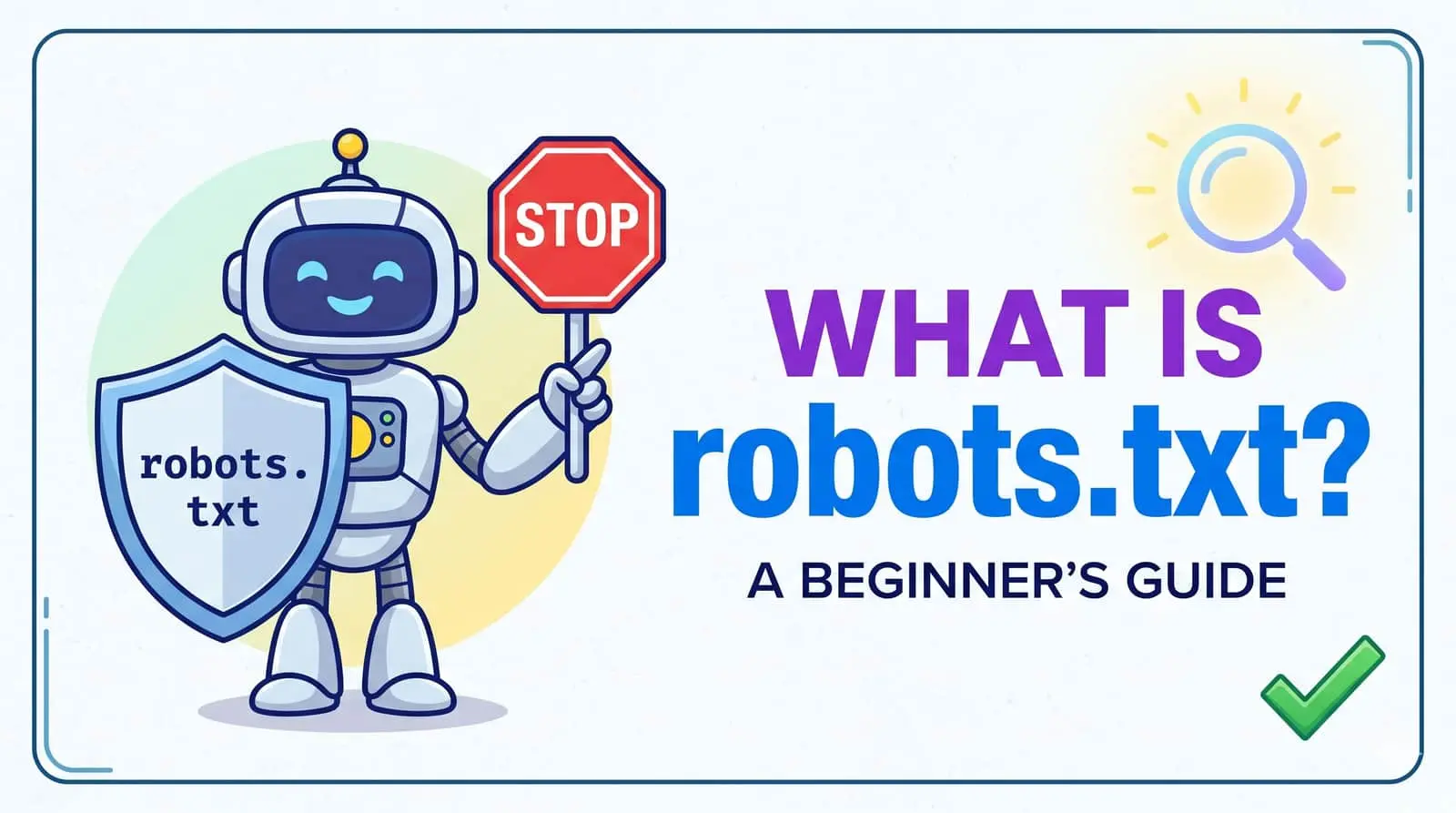
🧠 What exactly is robots.txt? (no fluff)
Robots.txt is the first thing a search bot reads before visiting your site. Think of it as a bouncer with a VIP list—it says "Googlebot, you can crawl /blog/ but don’t step into /private/". It follows the Robots Exclusion Protocol (REP), an old web standard that still dominates SEO.
But here’s a nuance most guides miss: robots.txt blocks crawling, not indexing. If another site links to a blocked page, Google might still index its URL without a snippet. That’s why experienced SEOs combine it with noindex or password protection.
⚙️ How robots.txt works — behind the curtain
Every compliant crawler (Googlebot, Bingbot, Yandex, even AI scrapers) requests /robots.txt before anything else. The file uses simple directives like User-agent, Disallow, and Allow. Here’s a raw example:
User-agent: *
Disallow: /private/
Disallow: /tmp/
Allow: /public/

User-agent: Googlebot
Disallow: /search-results?*
The asterisk (*) means all bots. The second rule tells Googlebot to avoid dynamic search result pages. Smart, right?
🌐 Real-world examples (copy-paste ready)
Let’s make it tangible. If you run a WordPress site, you might block the wp-admin folder from search engines. Ecommerce? Block cart pages and duplicate filters.
- Block entire staging site:
Disallow: /staging/ - Allow only specific bot:
User-agent: Googlebot(blocks OpenAI’s crawler)
Allow: /
User-agent: GPTBot
Disallow: / - Block all bots except Google: Use multiple user-agent blocks.
Pro move: Many site owners don’t realize you can also add a Sitemap directive inside robots.txt. Like this: Sitemap: https://smartchaine.cloud/sitemap.xml. It helps crawlers find your latest content instantly.
💥 4 deadly robots.txt mistakes (and how to avoid them)
- ❌ Accidentally blocking CSS/JS – Google needs to render your page. If you disallow assets, ranking drops. Fix: don’t block
/wp-content/or similar. - ❌ Using robots.txt for noindex – As we said, blocked pages can still get indexed. Use
noindexmeta tags instead. - ❌ Disallowing the whole site –
Disallow: /is a disaster for new domains. You’ll vanish from search. - ❌ Forgetting case sensitivity –
/Images/is different from/images/. Be precise.
🤖 Robots.txt & AI crawlers: 2026 edition
With the explosion of LLM scrapers (GPTBot, Google-Extended, CCBot), robots.txt has gained new power. You can now block AI models from training on your content while letting search bots through. Example:
User-agent: GPTBot
Disallow: /
User-agent: Google-Extended
Disallow: /
User-agent: *
Allow: /
That blocks OpenAI and Google’s AI from ingesting your site, but Googlebot still crawls for search ranking. Smart segmentation.
SEO tip: Monitor your crawl stats in Google Search Console. If you see a spike in "Crawled - currently not indexed", your robots.txt might be too restrictive.
📊 Robots.txt vs. Meta robots vs. X-Robots-Tag
| Feature | robots.txt | meta robots | X-Robots-Tag |
|---|---|---|---|
| Blocks crawling | ✅ Yes | ❌ No | ❌ No |
| Prevents indexing | ❌ No | ✅ Yes (noindex) | ✅ Yes |
| Controls snippet/link following | ❌ | ✅ | ✅ |
| Best for | Low-value pages, duplicate content | Individual pages | Non-HTML files (PDFs, images) |
❓ You asked: robots.txt questions answered
Does robots.txt block my page from Google search results completely?
No — it only blocks crawling. If other sites link to your page, Google may still index the URL but without a description or cached content. To fully de-index, use a noindex meta tag.
Can hackers use my robots.txt against me?
Yes, if you accidentally reveal admin folders or hidden directories. Example: Disallow: /admin-login/ tells attackers where to look. Keep sensitive paths out of robots.txt and use proper authentication.
How to test if my robots.txt works correctly?
Use Google Search Console’s “robots.txt Tester” tool. Or just open yourdomain.com/robots.txt in a browser. Also check Coverage report for “Indexed though blocked by robots.txt” warnings.
Does robots.txt affect crawling speed? (crawl budget)
Absolutely. Large sites with thousands of URLs benefit by blocking faceted navigation, internal search results, and archive pages. Google will spend more time on your actual product pages.
🚀 Track & audit your robots.txt like a pro
SMARTCHAINE’s SEO Crawl Analyzer checks your robots.txt rules, flags dangerous blocks, and simulates Googlebot rendering. No more guesswork.
🔍 Try SMARTCHAINE Crawl Analyzer →7-day free trial — No credit card
📚 You might also like: Crawl Budget Optimization Guide · Schema Markup for Beginners · Google Indexing API Explained · Full Technical SEO Audit 2026 · Free robots.txt Generator Tool
📖 For official standards: Google robots.txt documentation · RFC 9309 (Robots Exclusion Protocol)