Alt Text SEO Guide
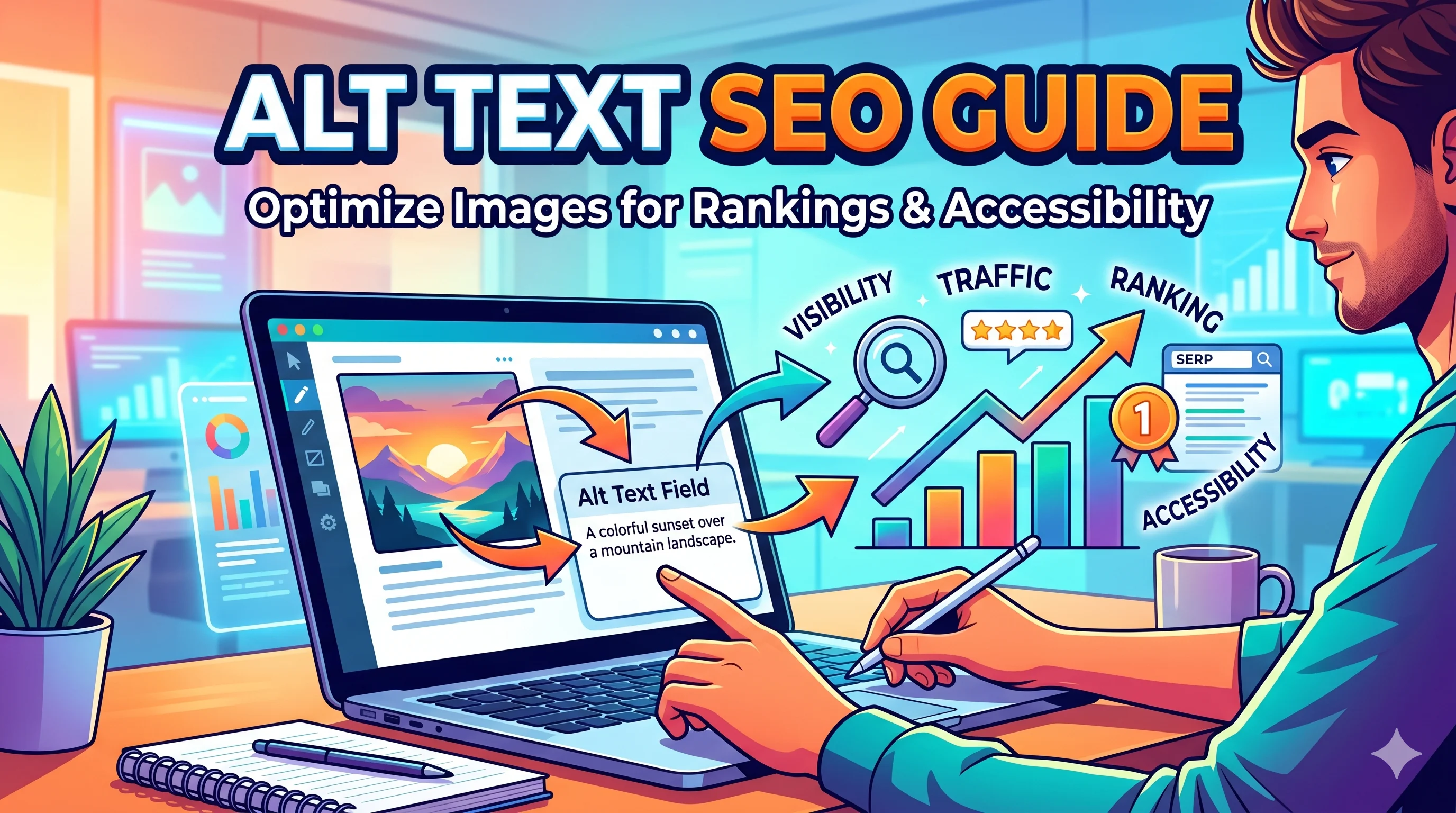
If you want your website pages to rank in Google Images and standard search results, mastering Alt Text SEO is non-negotiable. Alt text (alternative text) is the hidden descriptive text attached to an image tag. It tells search engine crawlers what an image depicts and provides vital context for visually impaired users using screen readers. This guide will cover how to write alt text that improves accessibility, boosts SEO, and aligns with modern AI search expectations.
📌 Quick Answer: What is Alt Text SEO?
Alt text (or "alt attribute") is a text equivalent for an image. For SEO, it helps search engines understand the subject of an image, contributing to both image search rankings and overall page relevance. For UX, it provides context for users who cannot load the image or rely on screen readers. An optimized alt tag is descriptive, concise, and includes the target keyword only when contextually relevant (avoid keyword stuffing).
📖 Table of Contents
Why Alt Text Matters for SEO & Accessibility
In the current search landscape, Google uses sophisticated computer vision to interpret images. However, alt text remains a strong ranking signal. It reinforces what the algorithm sees and ensures your content is accessible to everyone. Failing to add proper alt text misses a significant SEO opportunity.
🔍 The Three Core Benefits
- Image Search Ranking: Google Images drives a massive amount of traffic. Good alt text helps your photos appear in those results.
- Contextual Relevance: Search engines use alt text to understand if an image supports the article’s main topic and keywords.
- Accessibility (EEAT): Screen readers rely on alt text. Good accessibility is a strong trust signal for both users and Google’s E-E-A-T (Experience, Expertise, Authoritativeness, Trustworthiness) evaluation.
Alt Text vs. Image Title: Key Differences
Many publishers confuse the alt attribute with the title attribute. They serve different purposes.
| Attribute | SEO Function | User Function | Best Practice |
|---|---|---|---|
| Alt Text | Primary: Tells crawlers what the image is about. | Read by screen readers; shown if image fails to load. | Always fill this in with descriptive, keyword-rich text (naturally). |
| Title Attribute | Minimal: Rarely used in ranking algorithms. | Appears as a tooltip on mouse hover. | Use only if you want to provide extra non-critical info (e.g., “Click to enlarge”). |
💡 Expert Insight: “I’ve seen sites recover traffic just by fixing broken image titles, but the real SEO gains always come from optimizing the alt attribute. Focus 90% of your energy on writing killer alt text.”
How to Write Alt Text (With Examples)
Writing good alt text is a skill. It’s the intersection of SEO and accessibility. Follow these steps.
✍️ The Formula for Effective Alt Text
- Be Specific: “A red ceramic coffee mug on a wooden table” (not “Coffee mug”).
- Keep it Concise: Ideally 5–15 words, maximum 125 characters.
- Use Keywords Naturally: If the image is relevant to “Alt Text SEO Guide,” you can include that phrase, but don’t force it.
- Include Context: How does the image relate to the page?
- Skip “Image of” or “Picture of”: Screen readers already know it’s an image. Just describe the content.
✅ Good vs. Bad Alt Text Examples
| Scenario | Bad Alt Text | Optimized Alt Text |
|---|---|---|
| Product Photo | shoe | Men’s waterproof hiking boots with orange laces on a rocky trail |
| Infographic | seo infographic | Infographic showing the structure of a semantic SEO core pillar page strategy |
| Logo | logo | SmartChaine official company logo featuring a chain link motif |
| Chart | chart | Bar chart comparing organic traffic growth over Q1 and Q2 2025 |
Common Alt Text Mistakes to Avoid
Even advanced SEOs sometimes get this wrong. Here are the fastest ways to ruin your alt text optimization.
- Keyword Stuffing: “Alt text SEO guide best tips 2026 guide” looks spammy and hurts readability.
- Using the File Name: “IMG_4782.jpg” is useless for SEO and accessibility.
- Repeating Captions: Don’t just copy the caption below the image. Write new, descriptive text.
- Getting Too Complex: Alt text is not a novel. “A photo of a sunset on a beach where the sky is pink and orange and the water is calm and there are seagulls” is too long. Simplify: “Pink sunset over calm ocean with seagulls.”
- Leaving It Blank: This is the most common and damaging mistake. Every single image should have an alt attribute.
E-commerce & Product Image Alt Text
For online stores, alt text is a direct driver of sales. Users searching with images frequently look for specific products. Amazon, eBay, and major retailers all optimize their product image alt text heavily.
⚡ E-commerce Alt Text Formula: [Brand] + [Product Name] + [Key Feature] + [Color/Material] + [Context]. Example: “Nike Air Max 270 sneakers with white mesh and black swoosh on a basketball court.”
🛒 Product Feed Optimization
If you run an online store, your alt text feeds directly into Google Shopping and image search algorithms. Make sure your product feed includes these details in the image link area.
Alt Text for AI Overviews & GEO (Generative Engine Optimization)
Modern search uses AI models (like Google’s Gemini) to understand content. Optimizing for AI Overviews means writing alt text that answers user intent directly. AI models often pull image context to generate answers.
🤖 GEO Tip: Write alt text that can stand alone as an answer snippet. For example, if your image is about “How to tie a tie,” your alt text should be: “Step three: Cross the wide end over the narrow end and pull through the neck loop.” This helps AI systems extract factual instructions from your images.
Traditional Alt Text vs. AI-Optimized Alt Text
| Feature | Traditional SEO | AI Overview (GEO) |
|---|---|---|
| Focus | Keyword matches | Contextual entity & intent |
| Length | Short (under 125 chars) | Descriptive (can be slightly longer) |
| Structure | Descriptive | Instructional or Q&A style |
| Entity Use | General terms | Specific, branded, factual terms |
✅ Ultimate Alt Text SEO Checklist
Print this out or keep it open while you optimize your website.
Frequently Asked Questions
1. Does alt text really help SEO in 2026?
Absolutely. As visual search and AI-generated summaries expand, alt text provides critical context. It remains one of the easiest on-page SEO wins.
2. What is the ideal length of alt text?
Keep it between 5 and 15 words. The absolute maximum is around 125 characters (roughly the length of a tweet).
3. Should I include the keyword in every image?
No. Only add the primary keyword when it naturally describes the image. Adding it to every image looks like spam to Google.
4. Is alt text the same as a caption?
No. A caption is visible text below an image. Alt text is hidden in the code. They can be similar, but alt text should be more descriptive and keyword-optimal.
5. How do I write alt text for decorative images?
Use an empty alt attribute (alt="") to tell screen reader software to skip it. Decorative images like borders or backgrounds do not need description.
Conclusion: Make Alt Text a Core Part of Your SEO Workflow
Alt text is a small piece of code with a massive SEO and accessibility impact. By implementing the strategies in this guide, you build a stronger, more inclusive website that performs well in both standard search results and the emerging AI search ecosystems. Start optimizing your images today—it’s the low-hanging fruit that actually works.
👤 Author’s Note: “I’ve audited hundreds of sites, and the number one quick fix I recommend is improving alt text. It’s not just about ranking—it’s about respecting your audience’s experience. Write alt text for your users, and the SEO results will follow naturally.”
— SEO Team, SMARTCHAINE
Continue Learning SEO
About the Author
Elena Rivas is part of the SMARTCHAINE editorial team focused on SEO, GEO optimization, AI Overviews, structured data, and technical search visibility.