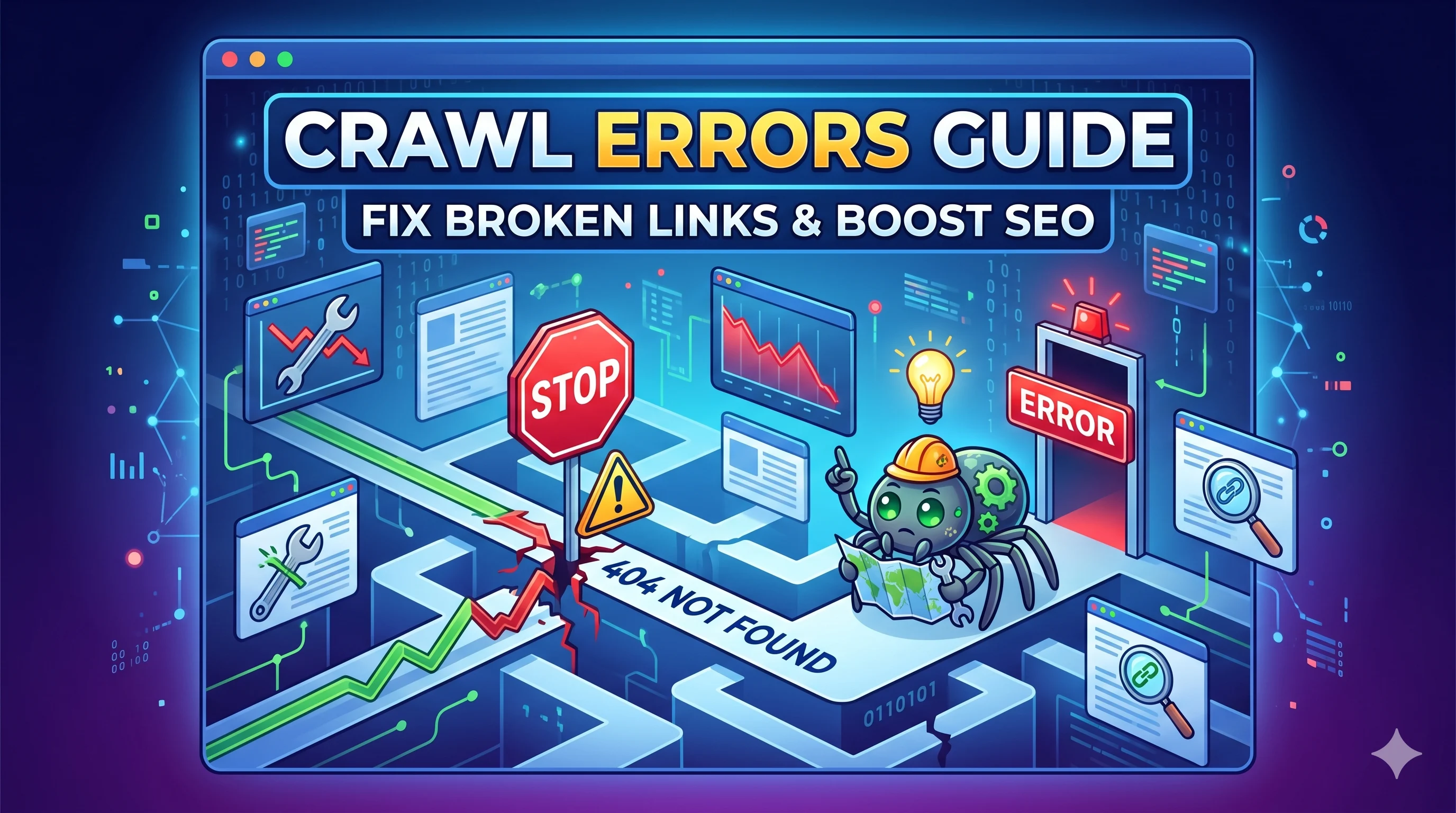
A sudden drop in organic traffic, mysterious Google penalties, or a complete failure to index new pages—these are the hallmarks of unchecked crawl errors. In 2026, with AI crawlers becoming more selective, understanding your crawl budget has never been more critical. Welcome to your definitive guide to identifying, fixing, and preventing crawl errors.
🎯 What is a Crawl Error?
A crawl error occurs when a search engine bot (like Googlebot) attempts to access a URL on your site but fails before the page is fully rendered or processed. These errors range from server-side 5xx issues to client-side 404s and DNS resolution failures. Left unresolved, they waste your crawl budget and prevent critical pages from appearing in search results.
Table of Contents
- What Are Crawl Errors? (And Why They Matter in 2026)
- Types of Crawl Errors: A Complete Taxonomy
- How to Diagnose Crawl Errors with GSC & Log File Analysis
- Step-by-Step Guide to Fixing Critical Crawl Errors
- Prevention & AI Overview Optimization
- Frequently Asked Questions
What Are Crawl Errors?
In the era of AI Overviews and Google's Helpful Content Update, search engines are more selective. A crawl error is not just a technical glitch—it is a signal that your site is untrustworthy to a machine. Every time a bot hits an error, it depletes your crawl budget—the limited number of pages Google will crawl on your site in a given window. Misuse of this budget leads to critical pages being left undiscovered.
📊 Real-World Impact: The $12,000 Server Error
Context: A mid-sized e-commerce site with 50,000 SKUs lost 70% of its organic traffic in Q1 2026.
Cause: A misconfigured CDN caused intermittent 503 errors during peak crawl hours.
Result: Google halted crawling of product pages for 10 days. Indexed pages dropped from 45,000 to 12,000.
Fix: Re-pointed CDN, implemented a proper retry logic, and submitted a crawl request via GSC.
Types of Crawl Errors
| Error Code | Type | Severity | Common Cause |
|---|---|---|---|
| 404 | Client Error | Medium | Deleted pages, broken internal links |
| 500 | Server Error | High | PHP memory limit, plugin conflicts |
| DNS | Network | Critical | Domain expired, wrong NS records |
| robots.txt | Block | High | Accidental disallow of CSS/JS |
| Soft 404 | Deceptive | Medium | Empty page returning 200 status |
🚩 Alert: The "Soft 404" Trap
Google's AI is getting smarter. If your site returns a "200 OK" but the page content is a thin placeholder ("Coming Soon"), it is flagged as a soft 404. This confuses the crawler and erodes your site's EEAT signals.
How to Diagnose Crawl Errors
Using Google Search Console (GSC)
- Navigate to Settings > Crawl Stats for total crawl requests.
- Go to Indexing > Pages to see "Not indexed" reasons.
- Check Pages > Crawl Errors (if visible) for specific URL lists.
Log File Analysis (Advanced)
GSC is a sample. Actual server logs show every bot request. Use tools like Screaming Frog or custom Python scripts to parse Nginx logs. Look for:
- High 404 ratio ( >5% of total bot requests )
- Spikes in 503s (correlated with server load)
- Robots.txt blocks on Googlebot's IP ranges
🔍 Expert Insight: The 80/20 Rule of Crawl Budget
By the SMARTCHAINE Technical Team
"Most SEOs obsess over index bloat (low quality pages getting indexed). But the real drain is crawl waste: bots hitting 404s. We audited a SaaS site with 10,000 blog posts. 60% of bot requests hit paginated category pages that had been deleted 2 years ago. Fixing those redirects freed up 40% of the crawl budget."
Step-by-Step Guide to Fixing Critical Errors
Step 1: Resolve Server (5xx) Errors Immediately
These are a direct signal of poor hosting quality to Google's Page Experience algorithm.
- Fix: Upgrade your hosting plan or switch to a cloud provider (AWS, GCP).
- Prevention: Configure health checks and auto-scaling.
Step 2: The 301 Redirect Strategy for 404s
✅ Checklist for 404 Fixes:
- Map the old 404 URL to a relevant, live page.
- Use 301 (permanent) redirects, not 302 or meta-refresh.
- Update internal links pointing to the old URL.
- Submit a change of address in GSC for site-wide moves.
Step 3: Clean Up DNS & robots.txt Issues
Use curl or online tools to simulate a Googlebot request. If your DNS fails to resolve or your robots.txt disallows /*.html, you are effectively invisible.
Step 4: The "Crawl Budget Audit" Checklist
📋 Premium Audit Checklist
- [ ] Run a full crawl with Screaming Frog (max URLs: 50,000 for local).
- [ ] Filter by status code 4xx and 5xx.
- [ ] Prioritize errors from pages with external backlinks (use Ahrefs or Semrush).
- [ ] Delete or redirect thin pages (less than 300 words with no media).
- [ ] Check log files for bot-specific error rates (Googlebot vs. Bingbot).
- [ ] Verify that
noindexpages are truly removed from XML sitemaps.
Prevention & AI Overview Optimization
To survive in the GEO (Generative Engine Optimization) era, your site must be crawlable by both traditional spiders and AI models like Google's Gemini and ChatGPT's browse feature. An error is a hard block for these systems.
How Crawl Errors Hurt AI Overview Rankings
If Google's AI tries to crawl a page for a featured snippet or overview but hits a 503, it will lower your site's confidence score. The AI learns to avoid your domain for real-time fact-checking.
🔧 Prevention Tactics for 2026
- Implement HTTP/2 & HTTP/3: Faster connections reduce timeouts.
- Use HSTS headers: Avoid redirect loops between http/https.
- Monitor crawl stats weekly: Set up alerts in GSC for abnormal drops in crawled pages.
- XML Sitemap hygiene: Remove 4xx/5xx URLs from sitemaps every month.
Example: The "Noindex/Nofollow" Conflict
Scenario: A page is noindexed but appears in the sitemap. Google crawls it, sees the noindex tag, and marks it as "Excluded." This is a waste. It is not a technical "error" in the HTTP sense, but it is a crawl budget error in the strategic sense.
Frequently Asked Questions
What is a "crawl error" vs. an "indexing error"?
A crawl error happens when Googlebot cannot access the URL (4xx, 5xx, DNS). An indexing error happens after the page is crawled but cannot be added to the index (duplicate, thin content, noindex tag). Fix crawl errors first.
How do I find crawl errors in Google Search Console 2026?
In the new GSC interface, go to Indexing > Pages and filter by "Not indexed." Look for reasons like "404," "500," or "URL blocked by robots.txt." The classic "Crawl Errors" report (under Settings) shows historical DNS and server errors.
Do crawl errors affect SEO rankings directly?
Indirectly, yes. A high volume of 5xx errors lowers your site's site health and can trigger manual action. Google's Page Experience update penalizes sites with frequent server errors. More importantly, crawl errors prevent specific pages from being ranked.
Can AI overviews (SGE) cause crawl errors?
Yes. Google's AI Overview system uses a dedicated crawler (different from Googlebot). If your site blocks this user-agent via robots.txt or produces inconsistent load times, the AI will skip your content entirely, resulting in lost visibility in generative search.
🧠 Author Insight: The Future of Crawl Errors
From the SMARTCHAINE Editorial Board
"In 2026, we are moving beyond simple 404s. The next frontier is semantic crawl errors—where the bot can access the URL but the page content does not match the link's semantic anchor text. This confuses the AI. For example, linking 'SEO guide' to a page that is actually a product page. Fixing these misalignments is the new crawl audit."
Conclusion
Crawl errors are not a one-time technical fix. They are a continuous indicator of your site's relationship with search engines. In the age of AI Overviews and zero-click searches, a clean crawl profile signals reliability. Prioritize the errors that deplete your crawl budget, fix server issues at the infrastructure level, and never let a soft 404 undermine your EEAT.
📌 Key Takeaways
- Crawl budget is finite: Every error wastes a precious crawl.
- 5xx errors are critical: They erode trust with Google's core algorithm.
- Soft 404s are invisible killers: They are not reported by GSC as traditional errors.
- Log files are the truth: GSC provides a sample; logs give you the full picture.
- AI Overviews are listening: A clean crawl history improves your chances of being cited.