How to Implement Local Business Schema: 2026 Step-by-Step Guide
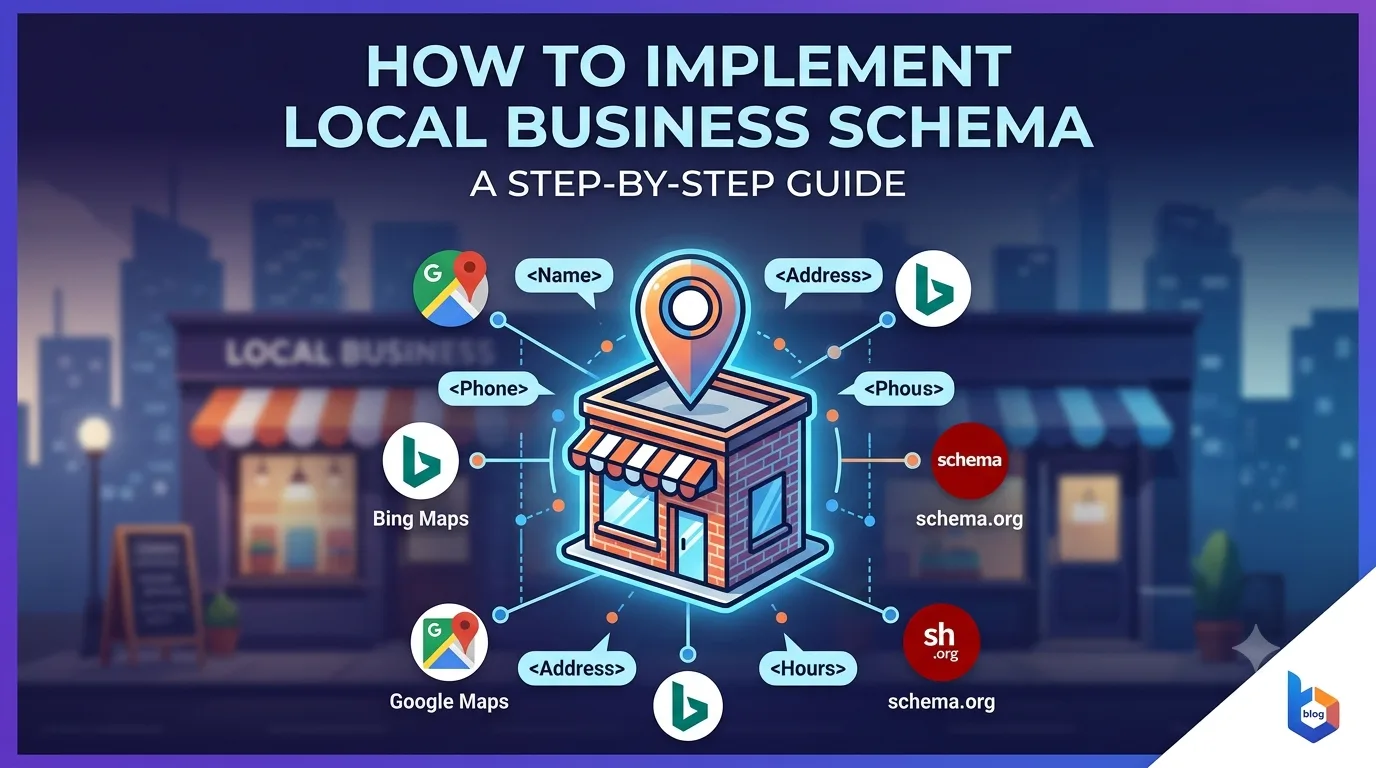
TL;DR: Local Business Schema helps search engines display your business name, address, phone number, and hours directly in search results. This guide covers the exact code structure, placement rules, testing methods, and common pitfalls. You will learn how to add schema manually or via Google's recommended tools, and how to check if it is working in Google Search Console.
Quick Answer: To implement Local Business Schema, you add structured data (JSON-LD format is best) to your website's HTML. The code tells Google your business name, address, phone number, opening hours, and service area. You can add it manually, through a plugin, or via Google's Data Highlighter. Test it using Google's Rich Results Test before publishing.
Key Takeaways
- Use JSON-LD format for Local Business Schema — it is Google's preferred method and easiest to maintain.
- Include only accurate, publicly visible information. Inconsistent NAP (Name, Address, Phone) data can confuse search engines.
- You must choose the correct schema subtype. A restaurant uses
Restaurant, notLocalBusinessdirectly. - Test every schema implementation using Google's Rich Results Test or Schema.org validator before deploying.
- Monitor your schema in Google Search Console's "Enhancements" section to catch errors after deployment.
- Avoid excessive schema types on one page. Focus on the most relevant type for each page's primary content.
Table of Contents
What Is Local Business Schema
Local Business Schema is structured data that tells search engines specific facts about your business: your name, address, phone number, business hours, service area, and more. When implemented correctly, it can make your business appear in rich results — the enhanced search listings that include a map, star ratings, and contact buttons. Schema is not a ranking factor by itself, but it helps Google understand your business information reliably. Google Search Central states that structured data helps search engines understand the content on your pages, which can influence how your site appears in search results.
Why Schema Matters for Local SEO
When you implement Local Business Schema, you give Google a structured, machine-readable version of your business information. This reduces the chance that Google misreads your address or hours. It also makes you eligible for the Local Pack, Knowledge Panel, and voice search results. Without schema, your business details rely entirely on Google's interpretation of your page text — which can lead to errors or missing information.
When Schema Does Not Help
Schema alone will not rank you higher than competitors. If your website is poorly optimized for local search in other ways — such as lacking local content, slow load times, or poor mobile usability — schema provides limited benefit. It is one piece of a larger local SEO strategy.
Choose the Correct Schema Type
Your first decision is selecting the right schema type. Schema.org defines over 250 subtypes of LocalBusiness. Using a generic type like LocalBusiness is better than nothing, but a specific type gives Google clearer signals. For example, a coffee shop should use CoffeeShop, a dentist uses Dentist, and a gym uses HealthClub. Each subtype inherits properties from the parent LocalBusiness type, so you can still include address, phone, and hours.
| Business Type | Schema Subtype to Use |
|---|---|
| Restaurant | Restaurant |
| Dental clinic | Dentist |
| Plumber | Plumber |
| Hair salon | HairSalon |
| Grocery store | GroceryStore |
| General store | Store |
| Professional service | ProfessionalService |
What if your business type is not listed? Use LocalBusiness as a fallback. You can also combine it with other types if your business has multiple functions. However, avoid mixing conflicting types on the same page — for example, a restaurant should not also be marked as a library.
Build the JSON-LD Code
JSON-LD is the recommended format because it is separate from your HTML content and easier to update. You place it in a <script type="application/ld+json"> tag. Below is a working template for a fictional café. Adjust the values to match your actual business.
<script type="application/ld+json">
{
  "@context": "https://schema.org",
  "@type": "Cafe",
  "name": "Brew & Bean Café",
  "image": "https://www.example.com/images/cafe-front.jpg",
  "url": "https://www.example.com",
  "telephone": "+15551234567",
  "address": {
    "@type": "PostalAddress",
    "streetAddress": "123 Main Street",
    "addressLocality": "Portland",
    "addressRegion": "OR",
    "postalCode": "97201",
    "addressCountry": "US"
  },
  "openingHoursSpecification": [
    {
      "@type": "OpeningHoursSpecification",
      "dayOfWeek": ["Monday","Tuesday","Wednesday","Thursday","Friday"],
      "opens": "07:00",
      "closes": "18:00"
    },
    {
      "@type": "OpeningHoursSpecification",
      "dayOfWeek": "Saturday",
      "opens": "08:00",
      "closes": "16:00"
    }
  ],
  "sameAs": [
    "https://www.facebook.com/brewandbean",
    "https://www.instagram.com/brewandbean"
  ]
}
</script>
Required Properties
- name: Your official business name, exactly as it appears on Google Business Profile.
- address: Full postal address. Do not abbreviate if your Google Business Profile uses full words.
- telephone: Include country code in international format if applicable.
Recommended Optional Properties
- openingHoursSpecification: Helps Google show your hours in search results.
- image: A high-quality photo of your storefront or logo. Google may use this in rich results.
- sameAs: Links to your official social media profiles. These support entity association.
- priceRange: Use values like "$", "$$", or "$$$" to indicate relative pricing.
Expert Tip: When copying the template, remove any commas after the last item in each list or object. A trailing comma will cause the JSON to be invalid, and Google will ignore the entire schema block. Use a JSON validator like JSONLint.com before pasting into your site.
Place the Schema on Your Site
You have three main options for placing the schema code on your site. Your choice depends on your technical comfort and platform.
Option 1: Add Directly to the Page (HTML)
If you manage your site's HTML files, insert the JSON-LD script block into the <head> or just before the closing </body> tag. Either location works, but placing it in the <body> is slightly preferred for faster initial page load. Do not add the schema to multiple separate pages if your business information is identical — place it only on the homepage or a dedicated contact page.
Option 2: Use a Plugin (WordPress)
WordPress users can use schema plugins like Yoast SEO or Rank Math. These plugins provide a user interface to enter business details, and they generate the JSON-LD code for you. They also update the schema automatically if you change your site details. This is the safest option for non-technical users. However, always double-check the generated code using Google's Rich Results Test — plugins can include outdated or excessive schema types.
Option 3: Google Data Highlighter
Google's Data Highlighter in Google Search Console lets you tag your business information visually. This tool does not add code to your site — it works as a hint stored in Google's system. It is a quick alternative if you cannot edit your site's code or install a plugin. The downside: it only works for Google and may take longer to influence results.
Which option should you choose? If you run a small local business with a simple website and no technical staff, use a WordPress plugin. If you are a developer or work with a developer, hardcoding JSON-LD gives you full control. Use Google Data Highlighter only as a temporary fix.
Test Before Publishing
Never deploy schema without testing. An invalid schema is ignored by Google, wasting your effort. Worse, an incorrect schema can cause Google to misunderstand your information. Use the following tools:
Google Rich Results Test
Paste your page URL or the schema code directly into the tool. It will tell you if the schema is valid, which rich results you are eligible for, and highlight any errors. This is the most practical tool for local business schema because it tests against Google's specific requirements.
Schema.org Validator
This tool validates against the full Schema.org standard. Use it as a secondary check if Google's tool passes but you want extra confidence. Note that Google's requirements sometimes differ slightly from Schema.org's — for example, Google may accept certain missing fields that Schema.org considers required.
Google Search Console Enhancement Reports
After deployment, monitor the "Enhancements" section in Google Search Console. It will show the number of pages with valid schema items, items with errors, and items with warnings. This report updates periodically, so check it a few days after publishing. If errors appear, fix them and request re-crawling via the URL Inspection tool.
Expert Tip: After testing and deploying, re-submit your homepage URL to Google via Search Console's URL Inspection tool. This triggers a faster crawl and indexing of your changes. Without this step, Google might take days or weeks to discover the new schema.
Common Mistakes to Avoid
Even experienced developers make errors when implementing schema. Here are the most frequent problems and how to avoid them.
Mistake 1: Using the Wrong Schema Type
Using LocalBusiness when your business is clearly a restaurant is technically valid but suboptimal. Google's algorithms are trained to recognize specific types. A restaurant marked as LocalBusiness may still appear in results, but using Restaurant improves clarity and eligibility for restaurant-specific rich results like menu previews.
Mistake 2: Inconsistent NAP Information
Your schema name, address, and phone must match exactly what you have on your Google Business Profile and on your website's visible text. If your Google Business Profile says "123 Main St." but your schema says "123 Main Street", Google treats these as separate entities. This inconsistency can lead to Google ignoring your schema or failing to associate it with your Business Profile.
Mistake 3: Adding Schema to Every Page
Local Business Schema should generally appear only on your homepage or contact page. Adding it to every page (about page, blog posts, product pages) dilutes its impact and can confuse Google. Each page should have schema relevant to its content — articles should use Article schema, products should use Product schema.
Mistake 4: Including Inaccurate or Outdated Information
If your hours change seasonally or you move locations, update your schema immediately. Stale schema can cause Google to display false information, which damages user trust and can result in manual actions. Set a reminder to review your schema every quarter.
Mistake 5: Not Including a Phone Number
The telephone property is not technically required by Schema.org, but Google expects it for rich results. Without it, your business may not be eligible for click-to-call buttons in search results. Always include a direct phone number that leads to a human or your business voicemail.
The Local Schema Priority Framework
When implementing schema across multiple pages or multiple business locations, you need a way to decide what to prioritize. This framework uses a three-tier priority system to help you focus your effort where it matters most.
| Priority Tier | Page Type | Schema to Use | Implementation Effort |
|---|---|---|---|
| Tier 1 (Highest) | Homepage or Contact Page | LocalBusiness (specific subtype) | High — requires careful data matching |
| Tier 2 (Medium) | Service or Product Pages | Service or Product + LocalBusiness (using @id reference) | Medium — requires understanding of entity references |
| Tier 3 (Lower) | Blog posts, articles, team pages | Article, Person (no LocalBusiness) | Low — simpler schema, less risk |
How to apply the framework: Start with Tier 1. Get your LocalBusiness schema validated and passing tests on your homepage before expanding to other pages. Once Tier 1 is stable, move to Tier 2 if you have service pages with dedicated content. Tier 3 is optional for most local businesses — focus on it only if you have a content-heavy site.
Decision Rules for the Framework
- Use Tier 1 when your business has a physical location that customers visit.
- Use Tier 2 when you have distinct services (e.g., "plumbing repairs" vs "drain cleaning") with separate pages optimized for each.
- Avoid Tier 3 on pages that are primarily promotional or have very thin content.
- Re-evaluate your tier assignments every six months or after a major site redesign.
How This Applies in Practice
The way you implement Local Business Schema changes depending on your website type and goals. Here is how the advice from this article applies to different scenarios.
Beginner Website
If you are running a simple one-page site for a local bakery, your most important action is to install a WordPress plugin like Yoast SEO or Rank Math. Enter your business name, address, and hours in the plugin settings. The plugin generates schema automatically. Then use Google's Rich Results Test to confirm it works. Do not try to edit the code manually until you understand JSON syntax.
SaaS Website
SaaS companies often have a physical office but serve customers remotely. Use LocalBusiness with a serviceArea property instead of a physical address if you primarily operate online. Mark your office location separately if you host client meetings. Include the url and sameAs properties to connect your schema to your software platform's documentation and support pages.
Ecommerce Store
Ecommerce sites are tricky because they combine product schema with local business schema if they have a physical storefront. Use Product schema on product pages and LocalBusiness schema on the contact page or about page. Do not mix the two on the same page. If your store has a physical location for returns, include that address in your LocalBusiness schema. If you are online-only, use OnlineStore as your schema type.
Local Business (Multiple Locations)
If you own a chain of coffee shops, create a separate page on your site for each location. Each location page must have its own unique LocalBusiness schema with that location's specific address, phone number, and hours. Do not use the same schema block for all locations. Use the parentOrganization property to connect each location to your main brand.
Frequently Asked Questions
Can I use Local Business Schema with a home-based business?
Yes, if your home-based business has a physical address where you operate. You should consider using LocalBusiness with a serviceArea property if you do not want to display your home address publicly. Alternatively, you can use a virtual office address or PO box, but ensure it matches what you list on your Google Business Profile. Google expects address consistency across all platforms.
How long does it take for Google to recognize new schema?
Google typically crawls schema updates within a few days to a few weeks, depending on your site's crawl frequency. You can speed this up by submitting the URL via Google Search Console's URL Inspection tool and clicking "Request Indexing." If you have a new site with few pages, indexing may be slower. Patience is required — schema is not instant. Monitor the Enhancement reports in Search Console for confirmation.
Should I use JSON-LD, Microdata, or RDFa?
JSON-LD is the best choice for nearly all implementations. Google officially recommends it, and it is easier to maintain because it is separated from your HTML. Microdata and RDFa are older formats that mix schema attributes inside your HTML tags, which can make your code harder to read and maintain. Only use Microdata if you cannot use JSON-LD for technical reasons, such as limitations in your content management system.
What happens if my schema has errors?
If your schema has errors, Google will ignore the entire block of structured data. This means your business will not show rich results, but your site will not be penalized. However, errors in schema can lead to Google misinterpreting your content, so it is important to fix them quickly. Google Search Console will show you which errors to fix and how to resolve them. Always test before publishing to avoid errors.
Can I combine Local Business Schema with other schema types?
Yes, you can combine multiple schema types on the same page, but you must do it carefully. For example, a restaurant page with reviews can include both Restaurant and Review schema. However, avoid combining conflicting types like LocalBusiness and Organization on the same page — Google may not process both. Use the @id property to link related schemas together when needed.
Do I need schema for multiple languages or countries?
If your business operates in multiple countries, create a separate schema block for each location with the appropriate language and country fields. Use the addressCountry property to specify each location's country code. For multilingual pages, you can use the inLanguage property, but this is rarely needed for local business schema. Focus on having one accurate schema per language version of your site.
Article Summary
You learned how to implement Local Business Schema using JSON-LD format. The process involves choosing the correct schema subtype for your business, building the code with required fields (name, address, phone), placing it on your homepage or contact page, testing with Google's tools, and monitoring in Search Console. The Local Schema Priority Framework helps you decide which pages to add schema to first. Common mistakes include using the wrong type, inconsistent NAP data, and adding schema to every page. By following this guide, you can make your local business information clear to search engines and eligible for rich results.
Recommended Resources
- Google Search Central — Official documentation for structured data and search guidelines.
- Schema.org — Full schema vocabulary and type hierarchy.
- Google Search Console — Test schema, monitor enhancement reports, and request indexing.
- Bing Webmaster Guidelines — Bing's recommendations for structured data.
Useful Tool for This Task
If you want to create valid structured data for this topic, use the SMARTCHAINE Schema Markup Generator to build JSON-LD markup for your website.
About the Author
The SMARTCHAINE Editorial Team specializes in SEO, AI Search Optimization, GEO (Generative Engine Optimization), AI Overviews, Structured Data, Technical SEO, and search visibility strategies for modern search engines and AI-powered discovery platforms.