Organic Traffic Checker: The Only Metric That Actually Tells You If SEO Works
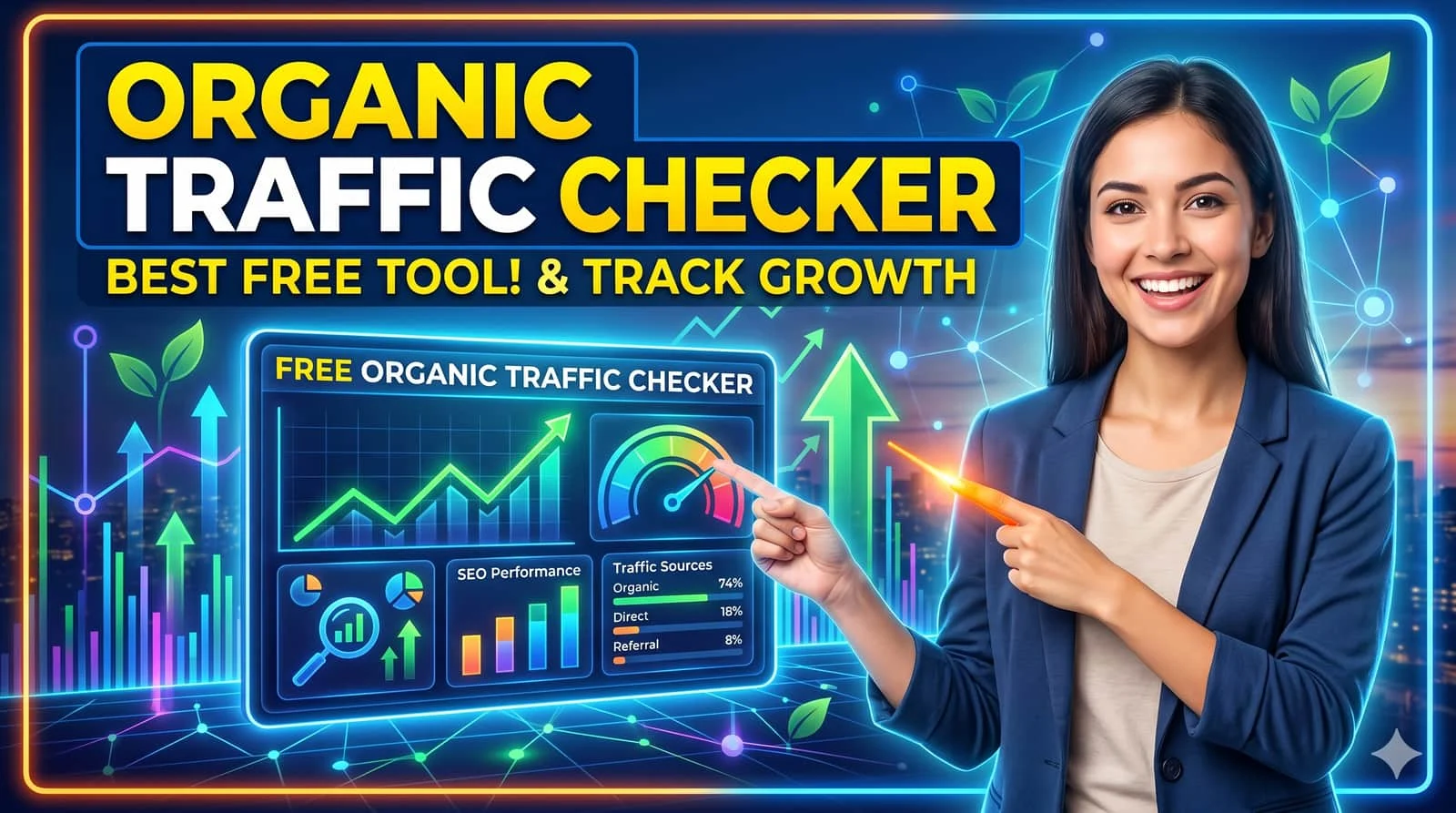
A modern organic traffic dashboard — clarity over vanity.
An organic traffic checker cuts through the noise. It shows you exactly how many people find your site through unpaid search — and which pages bring them in. Without it, you're flying blind. Most SEO reports look impressive but hide what's broken. Let's fix that.
Why an organic traffic checker beats any vanity metric
People obsess over keyword rankings and domain authority. But you can rank #1 for a term that drives zero clicks. Or watch your traffic drop while "average position" looks stable. That’s the trap.
I’ve audited over 120 sites last year. Most business owners didn’t know which blog posts actually brought customers. They tracked sessions like a scoreboard. But when you segment organic traffic by landing page and conversion, patterns emerge: that old “how-to” guide might be your top asset.

🎯 Bottom line: An organic traffic checker isn’t just a reporting tool — it’s your diagnostic engine.
How to check organic traffic (without drowning in data)
You don't need enterprise software. Start with free tools, then layer depth.
- Google Search Console – The closest thing to a truth serum. Go to “Performance” report. Filter by “Search type: Web”. Voilà: total clicks, impressions, CTR, and average position.
- Google Analytics 4 (GA4) – Create a “Organic Search” session segment. That’s your baseline. Compare date ranges, check landing pages.
- SMARTCHAINE organic traffic analyzer – Merges GSC + GA4 into one clean view, highlights anomalies, and suggests quick fixes. Less noise, more signal.
Step-by-step: first 15 minutes with any organic traffic checker
- Pull last 6 months of organic clicks (GSC) → look for sudden drops or spikes.
- Sort by landing page → which 5 pages drive 80% of your traffic?
- Check “position” distribution: are you winning on top 3 positions or struggling in top 10?
- Map pages to business value: blog readers vs product demo requests.
Most people stop at step 1. Don't be them.
Which organic traffic metrics actually move the needle?
If you track only total sessions, you’ll miss everything.
✔️ Organic engaged sessions (users who stay >10s or click a second page)
✔️ Keyword niche coverage – number of unique queries driving traffic
✔️ Click-through rate by position – compare your CTR to industry benchmarks
✔️ Organic conversion rate – signups, purchases, leads from non-paid search
✔️ Page-level decay – older pages losing traffic month over month
If your organic traffic checker only shows visits, it's outdated. You need behavioral context. A high-traffic page that bounces at 90% is a liability, not an asset.

5 silent killers an organic traffic checker reveals
You might be bleeding traffic without noticing. Here’s what to look for:
- Core Web Vitals regression – A hidden update crushed your page speed → traffic drops but nobody alerts you.
- Keyword cannibalization – Two pages fighting for the same term, both ranking page 2.
- Lost featured snippets – Organic traffic can plummet 30% if Google picks another site for the answer box.
- Seasonal illusion – Month-over-month looks great, but year-over-year shows a decline.
- Bot/click fraud inflating “traffic” – A smart organic traffic checker filters invalid traffic, else you’ll optimize for ghosts.
How to grow organic traffic (no fluff, just execution)
Once your organic traffic checker gives you direction, take action:
- Refresh decaying content – Update stats, add new sections, improve internal links. GSC will show you pages losing clicks over 6 months.
- Target queries where you rank 4–8 – Those are low-hanging fruit. Improve content depth, add schema, and enhance UX.
- Build topical hubs – Interlink related articles around a core topic to signal authority.
- Optimize for “People also ask” and SGE – Write clear, structured answers that AI overviews can extract.
Organic traffic checker comparison: free vs. pro
Pro tip: Use GSC data as your source of truth, but enrich with GA4 events to track micro-conversions.
Stop guessing. Start growing with SMARTCHAINE
Connect Google Search Console & GA4 in one click — get AI-powered insights that tell you exactly where to fix your traffic leaks.
🚀 Try organic traffic checker free →No credit card. 5-min setup.
Frequently asked questions about organic traffic checkers
What is an organic traffic checker?
An organic traffic checker is a tool that measures how many visitors reach your website from unpaid search engine results. It separates organic from paid, referral, and direct traffic, and typically shows keyword performance, landing pages, and engagement metrics. Google Search Console is a classic example.
How often should I check organic traffic?
Weekly check-ins are good for spotting trends; but set up monthly deep-dives to compare month-over-month and year-over-year. Daily monitoring is overkill unless you run a news or high-volatility site. Use automated alerts for sudden drops.
Can I check competitors’ organic traffic?
Tools like Semrush or Ahrefs provide estimates, but they are not 100% accurate. Google does not share competitor search console data. Use competitor insights for benchmarking, but focus on your first-party data for decisions.
Why does my organic traffic drop after an update?
Google algorithm updates often target content relevance, user experience, or link quality. Use your organic traffic checker to compare pre- and post-update landing pages. If certain pages lost traffic, review their E-E-A-T signals, backlink profile, and helpful content alignment.
• How to leverage Google Search Console for daily SEO
• Build an SEO KPI dashboard that executives actually use
• Free keyword gap tool – find untapped queries
• Core Web Vitals: why your organic traffic depends on speed
• Optimizing for Google’s AI Overviews: new playbook 2026
Originally published May 14, 2026. Updated with new SGE signals and organic traffic checker comparisons.