People Also Ask SEO: How to Rank in Google's PAA Boxes
Key Takeaways
- PAA boxes are not just for top-ranking pages; Google can pull answers from lower-ranking results if the answer is the most concise and authoritative.
- The 'People Also Ask' feature often feeds into AI Overviews, making optimization for both interconnected.
- Structuring content with a direct answer immediately following an H2 or H3 heading is the single most effective technical strategy.
- Avoid the common mistake of answering too broadly; PAA boxes require a narrow, specific answer to the exact question.
- You should use the Search Console performance report to identify which existing queries trigger PAA boxes and optimize those pages.
Table of Contents
- What is People Also Ask?
- The P.A.A. Cycle Framework
- Technical Optimization for Extraction
- Content Strategy: Answers Over Articles
- The People Also Ask and AI Overviews Link
- Common People Also Ask Mistakes
- How This Applies in Practice
- People Also Ask FAQ
- Recommended Resources
- Article Summary
- Conclusion
What is People Also Ask?
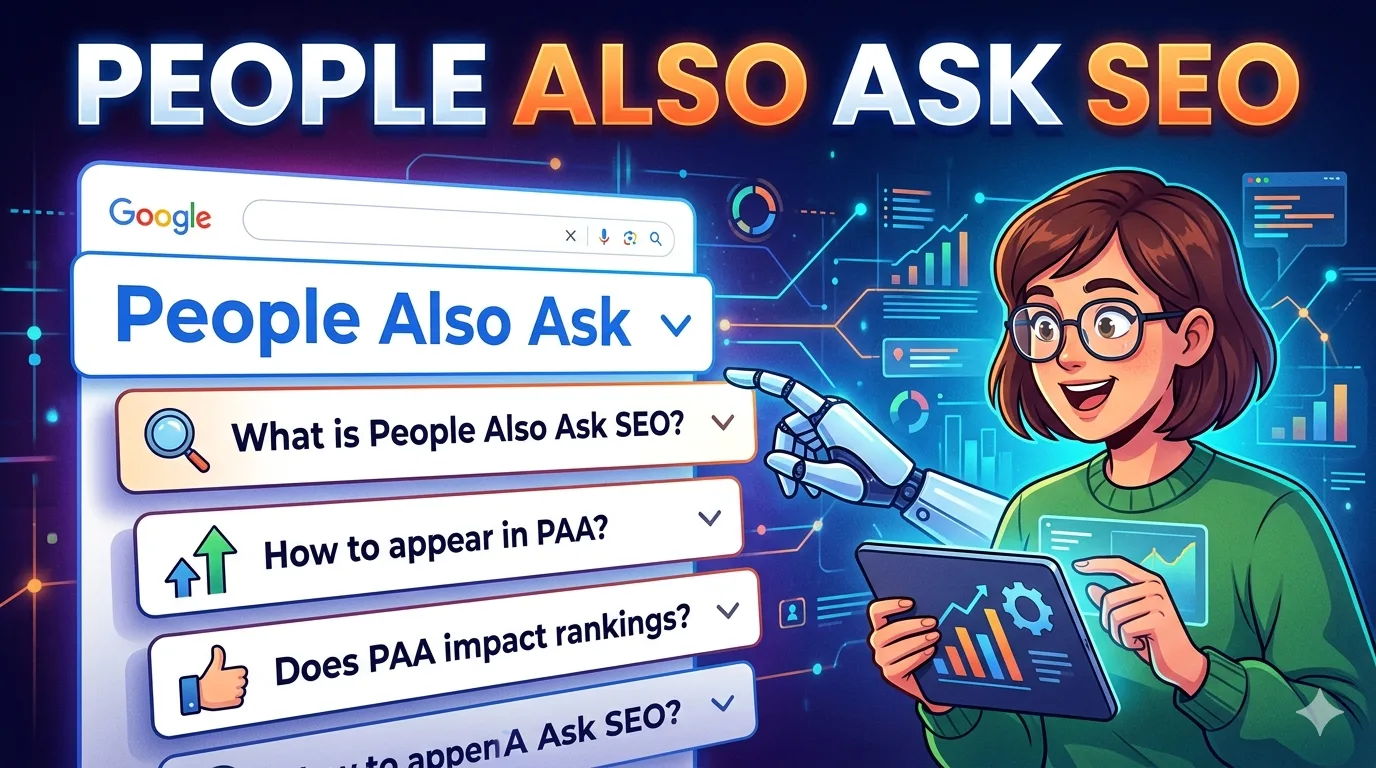
The People Also Ask (PAA) box is a Google SERP feature that presents a list of related questions to a user's original search query. When a user clicks on one of these questions, the box expands to show a short answer, often pulled from a third-party website, and a link to the source. For SEOs, the goal is to have your content selected as that source, a position that offers high visibility even without a traditional organic click.
The P.A.A. Cycle Framework
Optimizing for People Also Ask requires a structured approach. The P.A.A. Cycle is a 4-stage framework designed to help you identify, answer, optimize, and audit your content for these featured snippets. This is not a "set it and forget it" process; it requires continuous monitoring.
Stage 1: Pinpoint Target Questions
Start by using tools like Semrush or Ahrefs to find questions that already trigger a PAA box. Look for questions with a high volume but lower competition. A manual search in an incognito browser is also effective. List the questions that are most relevant to your core topics.
Stage 2: Answer with Precision
For each question, write a direct answer that is between 40 and 60 words. This answer must be placed immediately after the relevant heading in your content. Do not bury the answer in flowery language or introductions. The answer should be a self-contained block that can stand alone.
Stage 3: Audit for Extractability
Before publishing, test if Google can easily extract your answer. A good test is to read only the first sentence or paragraph after each heading. Does it answer the question completely? If you need to read two paragraphs to get the full answer, you are likely not optimized for extraction.
Stage 4: Confirm and Iterate
After publishing, use Google Search Console to monitor clicks and impressions. For PAA targets, look at the "Average Position" metric not for your ranking, but for where your answer appears. If you have a high number of impressions but low clicks, it often means you are in the PAA box. If not, revisit the answer's conciseness.
Technical Optimization for Extraction
After the heading and the direct answer, the next most critical factor is how your content is technically structured. Google uses a mix of semantic signals and structural cues to decide what content to pull into a PAA box. If your code is disorganized, your answer will be ignored.
Structured Data for Q&A
While the QAPage schema can be used, it is not always necessary for a standard PAA win. A more reliable technical foundation is using clean HTML, proper heading hierarchy (H2 -> H3), and using ordered lists or bullet points for "how-to" questions. Schema.org provides the FAQPage schema, which is explicitly designed for pages that have a list of questions and answers.
Crawlability and Indexability
This sounds basic, but a surprising number of PAA-worthy answers are blocked by robots.txt files or are hidden behind JavaScript that Googlebot cannot render. Ensure your core answer content is in the initial HTML load. If you use a single-page application (SPA) framework, server-side rendering (SSR) is almost mandatory for PAA success.
Checklist for Technical PAA Readiness
- The main answer text is visible in the raw HTML.
- The page uses a logical heading structure (H1 -> H2 -> H3).
- The PAA target question is written as a verbatim H2 or H3 heading.
- The page is not blocked by a robots meta tag or header.
- The page loads within 2 seconds on mobile.
Content Strategy: Answers Over Articles
The biggest shift for People Also Ask SEO is moving from writing long-form articles to writing discrete, single-answer units. A traditional blog post might answer a broad question in a 1,500-word piece. For PAA, you need to answer the narrow question in 50 words. This is a fundamental difference in content design.
The Unit of Content Approach
Think of each PAA question as a single unit of content. Your 2,000-word guide on "SEO for Beginners" is not one piece of content for PAA; it is a collection of dozens of potential PAA answers. Write a clear, stand-alone answer for "What is SEO?" and another for "How does keyword research work?" and place each under its own heading.
Comparison: Article vs. PAA Content
| Feature | Standard Article Content | PAA-Optimized Content |
|---|---|---|
| Primary Goal | Engage, inform, and convert | Be extracted and cited |
| Answer Length | Variable (often long) | 40-60 words for the direct answer |
| Heading Style | Creative or thematic | Verbatim question from search |
| Success Metric | Time on page, conversion | Impressions in Search Console |
The People Also Ask and AI Overviews Link
In 2026, the relationship between PAA and AI Overviews is symbiotic. AI Overviews often reference the same sources that appear in PAA boxes. If you can secure a PAA spot for a query, you significantly increase your chances of being cited in an AI-generated answer for that same query.
This does not mean you should optimize only for PAA. It means that your PAA optimization strategy should be a core component of your AI Overviews reliability strategy. If your answer is good enough for a human to click, it is likely good enough for an AI model to use as a training or citation source.
Common People Also Ask Mistakes
Many SEOs fail at PAA optimization not because of poor SEO skills, but because of fundamental content design errors. Here are the most common ones.
Mistake 1: Over-Optimizing the Answer
Some writers try to stuff the target keyword into the answer multiple times. This is counterproductive. Google's system for PAA is designed to find the most natural, concise answer, not the most keyword-dense one.
Mistake 2: Using a Definition as a Lead-In
A common pattern is: "People Also Ask is a feature that... In this article, we will discuss how to optimize for it." For PAA, you should not do this. The search engine is looking for the answer immediately. The lead-in wastes the extraction opportunity.
Mistake 3: Ignoring Question Variations
People ask the same fundamental question in different ways. For PAA, you must match the exact phrasing of the question used in the PAA box. "What is SEO?" and "Define SEO" are two different queries that will trigger different PAA boxes. Optimize for both variations on separate pages or sections.
How This Applies in Practice
The application of PAA optimization changes drastically based on your website type. A one-size-fits-all approach will fail. Here is how to adapt the P.A.A. Cycle to different scenarios.
For a Beginner Website or Blog
For a new blog, focus on long-tail, low-competition questions. The goal is not to win a PAA box for "SEO tools" (which is dominated by major publications), but for specific questions like "What is the best free keyword research tool for a small blog?" Your authority is low, so your answer must be explicitly practical and personal, using a distinct writing style that adds unique value.
For a SaaS Website
SaaS sites should target "how-to" and "vs." questions. The PAA box is perfect for queries like "How to automate email marketing" or "Tool A vs. Tool B." For these, a bullet list in the answer is highly effective. Ensure your answer highlights a specific advantage of your general category of tool without being a sales pitch.
For an Ecommerce Store
For ecommerce, PAA is about filtering, shipping, and comparisons. Target questions like "How does free shipping work?" or "Is this material machine washable?" The answer should be factual and product-agnostic, placed on category or product description pages. A mistake is to only answer these questions on a FAQ page, which often lacks the topical authority of a product page.
For a Local Business
Local businesses win PAA boxes for "near me" and service-specific questions. "How much does a root canal cost?" or "What time does the nearest pharmacy open?" are perfect targets. The answer must include your location or service area naturally. Use the LocalBusiness schema to support the authority of the answer.
People Also Ask FAQ
Does ranking in PAA require a top-10 position?
No. One of the most counter-intuitive aspects of People Also Ask boxes is that Google does not always pull the answer from the #1 ranking result. It can pull a concise answer from a page ranking on page two or three if that page has the most direct, self-contained answer. However, this is less common for high-difficulty keywords. For competitive terms, having a good base ranking (top 20) is helpful for visibility.
How do I find which pages are already in a PAA box?
You cannot see it directly in Google Search Console. The best method is to use a dedicated SEO tool like Semrush or Ahrefs, which have specific reports for "Featured Snippets" and "People Also Ask." They track your keyword positions and show when a keyword triggers a PAA box. Alternatively, you can manually check your target queries in an incognito browser and note if your page appears in the expanded box.
Should I use a dedicated FAQ page for PAA optimization?
It depends. A dedicated FAQ page can work well if it is the most authoritative resource on that specific topic. However, Google often prefers to pull answers from a broader, more authoritative article on the subject rather than a thin FAQ page. A better approach is to embed the FAQ schema into your main content pages. For example, include the question "What is included with a membership?" on your pricing page, not on a separate FAQ page.
Does optimizing for PAA hurt my click-through rate?
This is a valid concern. If you win the PAA box, you provide the answer directly on the search results page. This can lead to a reduced CTR for that specific query because the user gets the answer without clicking. However, the visibility is much higher than a standard #10 result. The net benefit is often positive for brand awareness and for queries where you want to establish authority. For a conversion-focused query, you may prefer the user to click through, so PAA optimization should be balanced with clear CTAs in your answer.
How long does it take to see results from PAA optimization?
There is no fixed timeline. Google's systems have to recrawl and re-index your page to see the structural changes you made. If your website has a high crawl budget, you might see changes within a few days. For newer or smaller sites, it can take several weeks. The best strategy is to make the optimization, submit the URL for indexing in Search Console, and then monitor the query's performance for one to three months before making further changes.
Can I lose a PAA position after I win it?
Yes, absolutely. PAA positions are volatile. You can lose a position if a competitor improves their answer to be more concise, if Google changes its extraction algorithm, or if your page loses topical authority due to other site-wide issues. Regular monitoring is essential. If you lose a position, audit the new answer that Google is showing. Identify why it was chosen over yours—is it shorter? Does it use a list? Learn from it and update your content.
Recommended Resources
For further reading on Google's guidelines and tools related to search features and structured data, explore the following official resources.
- Google Search Central — Official documentation on search features and guidelines.
- Schema.org — The source for all structured data markup types.
- Google Search Console — Use this to monitor your pages' performance in search features.
Article Summary
This article explained the fundamentals of People Also Ask SEO in 2026. You learned about the P.A.A. Cycle framework (Pinpoint, Answer, Audit, Confirm), which provides a structured way to approach optimization. We covered the importance of concise answer blocks, the technical need for crawlable HTML, and how PAA boxes are linked to AI Overviews. The practical section showed how to adapt this strategy for blogs, SaaS, ecommerce, and local businesses, while the FAQ addressed common concerns like CTR impact and volatility. The core message is clear: win PAA by writing answers, not just articles.
Conclusion
People Also Ask optimization in 2026 is less about gaming the system and more about respecting the structure of machine-readable content. By focusing on extractability over fluff, you not only improve your chances of winning a PAA box but also create more valuable content for your readers. The P.A.A. Cycle is designed to be repeatable. Start with one question, optimize your page, and measure the result. Over time, these individual wins compound into significant visibility, especially as they feed into the broader ecosystem of AI Overviews and zero-click searches. The work is in the details, but the reward is visibility where traditional organic listings are losing ground.
About the Author
The SMARTCHAINE Editorial Team specializes in SEO, AI Search Optimization, GEO (Generative Engine Optimization), AI Overviews, Structured Data, Technical SEO, and search visibility strategies for modern search engines and AI-powered discovery platforms.