Startup SEO Checklist: 7 Steps to Rank in 2026
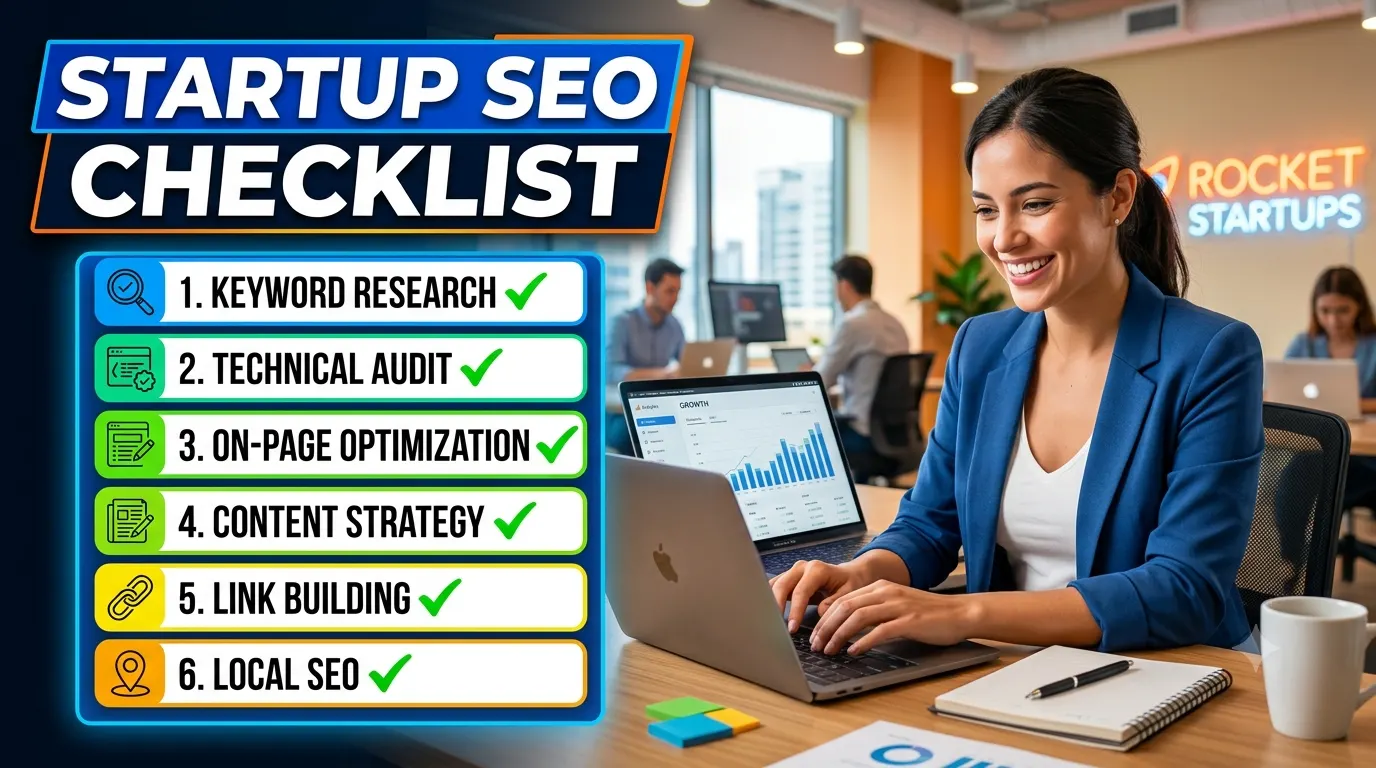
TL;DR: This startup SEO checklist covers 7 actionable steps: setting up Search Console, fixing technical foundations, mapping content to search intent, optimizing for AI Overviews, building topical authority, monitoring Core Web Vitals, and performing weekly audits. Use it to avoid common early-stage mistakes and get indexed efficiently.
Quick answer: A startup SEO checklist is a structured set of tasks that helps new websites build search visibility without wasting resources. It covers technical setup, content strategy, and performance monitoring. The 7-step checklist in this article is designed for 2026, factoring in AI Overviews and Google’s current ranking signals.
Key Takeaways
- Start with Google Search Console and Bing Webmaster Tools before anything else—these are your diagnostic foundations.
- Technical SEO (crawlability, indexation, Core Web Vitals) must be fixed before content creation, or your pages may not rank at all.
- Content for 2026 needs to be structured for AI Overviews: direct answers, clear headings, and entity-rich terminology.
- Topical authority beats single-keyword targeting every time. Build topic clusters, not isolated pages.
- Weekly audits are more effective than monthly ones for early-stage startups because issues compound quickly.
- Avoid over-optimizing for exact-match keywords; Google’s systems understand semantic relationships and penalize unnatural phrasing.
Table of Contents
- Step 1: Set Up Search Console and Bing Webmaster Tools
- Step 2: Fix Technical Foundations: Crawlability and Indexation
- Step 3: Map Content to Search Intent
- Step 4: Optimize for AI Overviews (GEO)
- Step 5: Build Topical Authority with Content Clusters
- Step 6: Monitor and Fix Core Web Vitals
- Step 7: Weekly SEO Audit Framework
- Common Mistakes Startups Make
- Comparison: Startup SEO vs. Enterprise SEO
- How This Applies in Practice
- FAQ
- Article Summary
- Conclusion
Step 1: Set Up Search Console and Bing Webmaster Tools
The very first step in any startup SEO checklist is to connect your domain to Google Search Console and Bing Webmaster Guidelines tools. Without these, you are flying blind. They show you how Google and Bing see your site, which pages are indexed, and what errors exist.
Why This Matters First
If your site has a critical crawl error or a manual action, no amount of content marketing will help. These tools surface those problems immediately. Startups often skip this step and later wonder why pages never appear in search results.
Setup Checklist
- Verify domain ownership via DNS TXT record (fastest method for new domains).
- Submit your sitemap.xml file—most CMS platforms generate one automatically.
- Check the “Coverage” report for errors like 404s, soft 404s, or redirected pages.
- Set up email notifications for manual actions and critical issues.
- Add the same domain to Bing Webmaster Tools—small but measurable traffic opportunity.
Expert tip: Do not rely solely on the “URL Inspection” tool for real-time data. It often shows outdated cache information. Use the “Index” report for an aggregated view of indexation status across your entire site.
Step 2: Fix Technical Foundations: Crawlability and Indexation
After setting up Search Console, audit your site for basic technical issues. Crawlability means Google’s bots can find and follow your pages. Indexation means those pages are stored in Google’s index. If either is broken, you cannot rank.
Key Technical Checks
- Robots.txt: Ensure it does not block important pages. Many startups accidentally block entire sections.
- Noindex tags: Check that you haven’t accidentally added noindex to content pages during development.
- Canonical tags: Use self-referencing canonicals unless you have a clear duplicate content reason.
- XML sitemap: Include only indexable, canonical URLs. Exclude paginated pages unless they provide unique value.
- Internal linking: Every important page should be reachable from the homepage within 3 clicks.
Example Scenario: Common Startup Mistake
A new SaaS blog set up a staging environment with a noindex tag. When the site went live, the noindex tag was accidentally left on production. Result: zero pages indexed for 3 weeks. Fix: remove noindex from live pages and resubmit the sitemap in Search Console.
Step 3: Map Content to Search Intent
Search intent is the reason behind a query. Informational, navigational, commercial, transactional. Your content must match that intent. A blog post targeting “best project management software” needs to compare features and pricing, not define what project management is.
Intent Mapping Workflow
- Identify the primary keyword for each page.
- Check the top 10 results in Google for that keyword.
- Classify the dominant intent: are the results mostly listicles, tutorials, product pages, or definitions?
- Match your content format to that intent. If competitors use comparison tables, do the same.
- Avoid creating content that tries to serve multiple intents on one page—it rarely works well.
Expert insight: Many startups try to target “high-volume” keywords without analyzing intent. A keyword with 10,000 monthly searches that is mostly transactional will never convert informational blog readers. Use Ahrefs or Semrush to check the “Intent” filter if available, or manually scan SERP features like shopping ads and review snippets.
Step 4: Optimize for AI Overviews (GEO)
AI Overviews are Google’s generated summaries that appear above traditional search results. To optimize for them, your content must be structured in a way that Google’s generative systems can extract concise answers. This is sometimes called Generative Engine Optimization (GEO).
What Works for AI Overviews
- Direct answer paragraphs under H2 headings (40–80 words).
- Definition-first sentences that use entity-rich terminology.
- Bullet lists, numbered steps, and comparison tables.
- Clear, single-focus sections—avoid mixing multiple topics in one block.
- Use Schema.org structured data where relevant (HowTo, FAQPage, Article, Product).
Example: Structuring a Blog Post for AI Overviews
A post about “startup SEO checklist” should have a clear H2 section “What is a startup SEO checklist?” followed by a 50-word definition. Then break down each step. Google’s AI Overview often extracts the first few lines under a heading, so make those lines answer the question directly.
Step 5: Build Topical Authority with Content Clusters
Single pages targeting single keywords rarely rank well after the first few months. Google favors sites that demonstrate topical authority—comprehensive coverage of a subject. For a startup, this means creating a hub of related content around your core topic.
Content Cluster Framework
- Pillar page: A comprehensive guide covering the entire topic (e.g., “Startup SEO Guide”).
- Cluster articles: 5–10 detailed posts on subtopics (e.g., “How to Fix Crawl Errors”, “Core Web Vitals for Startups”, “Content Mapping for Search Intent”).
- Internal linking: Each cluster article links back to the pillar page, and the pillar page links to each cluster article.
- Update cycle: Refresh cluster articles every 6 months to keep information current.
Why This Works
Google’s systems recognize that a site covering multiple aspects of one topic is more authoritative than a site with one isolated page. This approach also helps with featured snippets and AI Overview extraction because you have dedicated content for each subtopic.
Step 6: Monitor and Fix Core Web Vitals
Core Web Vitals are part of Google’s page experience signals. They measure loading performance (LCP), interactivity (INP replacing FID in 2024), and visual stability (CLS). Startups often overlook these until they see a drop in rankings.
Practical Monitoring Steps
- Use Google Search Console’s Core Web Vitals report—it shows real-user data.
- Focus on the “Poor” URLs first. They have the most impact on user experience and ranking.
- Common fixes: compress images, use next-gen formats (WebP, AVIF), defer non-critical JavaScript, and set explicit width/height attributes on images to reduce CLS.
- Test with PageSpeed Insights—but remember lab data is not the same as field data (real-user metrics in Chrome UX Report).
Expert tip for startups: If your site has dynamic content like user reviews or live chat, test how those elements affect CLS. A live chat widget that loads late can shift the entire page layout. Pre-allocate space for dynamic elements using CSS to avoid layout shifts.
Step 7: Weekly SEO Audit Framework
For startups, weekly audits catch issues before they compound. Monthly audits are too slow for early-stage sites where a single broken canonical tag can damage indexation for weeks.
The S.M.A.R.T. Audit Cycle (a framework for this article)
This is a qualitative framework—no mathematical scoring. It uses four evaluation categories to prioritize fixes.
- S – Scan: Run Search Console for new errors. Check “Coverage” and “Manual Actions”.
- M – Measure: Review Core Web Vitals report. Note any pages that moved from “Good” to “Needs Improvement”.
- A – Analyze: Look at organic traffic trends in Google Analytics. Any drops? Correlate with technical changes or algorithm updates.
- R – React: Fix the highest-impact issues first (e.g., indexation errors before minor performance tweaks).
- T – Track: Log what was fixed and monitor the next week for improvement.
This cycle takes about 30 minutes per week for a small site. For larger startups with 50+ pages, allocate 60 minutes.
Common Mistakes Startups Make
Even with a solid checklist, startups repeat the same errors. Here are the most costly ones.
- Over-optimizing meta titles: Cramming keywords into titles and descriptions makes them unclickable. Write for humans first, search engines second.
- Ignoring mobile experience: More than 60% of searches happen on mobile. If your site is not mobile-friendly, you lose traffic and rankings.
- Building links too early: Pursuing backlinks before fixing technical SEO and content quality is a waste of resources. Google needs to see quality content before it values links.
- Targeting ultra-competitive keywords: New sites cannot rank for “digital marketing” or “CRM software” in the first year. Focus on long-tail, low-competition terms first.
- Setting and forgetting content: Publishing once and never updating is common. Google rewards freshness. Schedule quarterly reviews for each pillar page.
Comparison: Startup SEO vs. Enterprise SEO
| Aspect | Startup SEO | Enterprise SEO |
|---|---|---|
| Budget | Low to none; relies on free tools and manual work | Dedicated tools, teams, and paid budget |
| Content volume | 5–10 high-quality pages per month | 50–100 pages per month with distribution |
| Technical complexity | Simple CMS, few pages | Large sites, custom CMS, complex architecture |
| Link building | Organic, content-driven | Outreach campaigns, partnerships, PR |
| Risk tolerance | Can afford mistakes; recover quickly | Mistakes hurt revenue; more conservative |
| Tools used | Search Console, Google Analytics, free Ahrefs/Semrush tier | Enterprise platforms, crawlers, APIs |
How This Applies in Practice
The advice changes depending on your site type. Here is how different startups should apply this checklist.
Beginner Website (Personal Blog or Small Portfolio)
Focus entirely on technical foundations and content intent. Do not worry about link building or content clusters yet. Get 10–15 well-written pages indexed first. Use the S.M.A.R.T. audit cycle weekly to catch issues. A single indexing error can block your entire site.
SaaS Website
Prioritize content clusters around your product’s use cases. For example, if you sell project management software, create cluster articles like “Agile project management for remote teams” and “How to track milestones in SaaS development”. These attract qualified leads. Technical SEO is critical because SaaS sites often have dynamic pages, user dashboards, and paginated documentation that can cause indexation problems.
Ecommerce Store
Core Web Vitals are non-negotiable. A slow product page loses sales. Focus on structured data (Product, Review, BreadcrumbList) to enable rich results. Avoid duplicate content from product variations; use canonical tags correctly. Content clusters work less well here—instead, optimize product category pages with unique descriptions and user-generated reviews.
Local Business
Set up Google Business Profile first. Use local schema (LocalBusiness). Create location-specific pages if you serve multiple areas. Link building is less important than consistent NAP (Name, Address, Phone) citations across directories. Technical SEO is usually simpler, but check mobile usability because most local searches happen on phones.
FAQ
1. How long does it take for a startup to see SEO results?
Most startups see initial indexing within 1–2 weeks for new pages. Ranking for low-competition keywords may take 3–6 months. High-competition terms can take 12 months or longer. Do not rely on strict timelines—focus on consistent execution. Google does not guarantee fast rankings, but a well-executed checklist improves your odds.
2. Should I use AI-generated content for my startup blog?
AI-generated content can be a starting point, but it often lacks depth, originality, and EEAT signals. Google’s guidelines reward content that demonstrates first-hand experience or expertise. If you use AI, heavily edit it: add unique examples, expert commentary, and real workflows. Never publish AI content as-is—it usually fails quality evaluation.
3. What tools do I need for this startup SEO checklist?
The minimum set: Google Search Console, Google Analytics, and a free account on Ahrefs or Semrush for keyword research. For technical audits, use Screaming Frog (free tier allows 500 URLs). These cover the essentials without spending money.
4. How often should I update my startup’s content?
For informational content (blog posts, guides), aim for a review and update every 6 months. For product or service pages, review every 3 months or whenever your offering changes. Set a calendar reminder. Outdated content loses rankings over time because Google favors freshness for many queries.
5. Is link building necessary for startups?
Yes, but not in the first 3 months. Focus on creating link-worthy content first: original research, tools, or comprehensive guides. Then passively earn links through outreach or social sharing. Aggressive link building early on can trigger scrutiny. Quality over quantity applies heavily here.
6. What is the biggest waste of time for startup SEO?
Chasing algorithm updates. Every week a new SEO guru claims “Google’s update changed everything”. Usually, it hasn’t. Stick to fundamentals: crawlability, content quality, user experience, and structured data. Those principles have been stable for years. Wasting time chasing temporary trends delays real progress.
Article Summary
This startup SEO checklist covers 7 steps: setting up Search Console, fixing technical foundations, mapping content to search intent, optimizing for AI Overviews, building topical authority, monitoring Core Web Vitals, and running weekly audits using the S.M.A.R.T. framework. It also covers common mistakes, compares startup SEO to enterprise SEO, and provides practical advice for different site types. The core message is simple: build a strong technical foundation, create content that matches intent, and monitor performance regularly.
Conclusion
Ranking a startup website in 2026 is not about tricks or shortcuts. It is about a repeatable process: set up the right tools, fix technical issues first, match content to real search intent, and audit weekly. The 7-step checklist in this article gives you a starting point. Apply it, adjust based on your site type, and avoid the common mistakes outlined above. Consistent execution over 6–12 months is what separates visible startups from invisible ones.
Recommended Resources
- Google Search Central – Official documentation for indexing, crawling, and ranking.
- Schema.org – Reference for structured data markups.
- Ahrefs Blog – Practical SEO guides and case studies.
- Semrush Blog – SEO strategy and technical tutorials.
- Moz Blog – Beginner-friendly SEO advice and research.
About the Author
The SMARTCHAINE Editorial Team specializes in SEO, AI Search Optimization, GEO (Generative Engine Optimization), AI Overviews, Structured Data, Technical SEO, and search visibility strategies for modern search engines and AI-powered discovery platforms.